Browse likestill water.
A native browser with its shield up from the first page. No telemetry. No account.
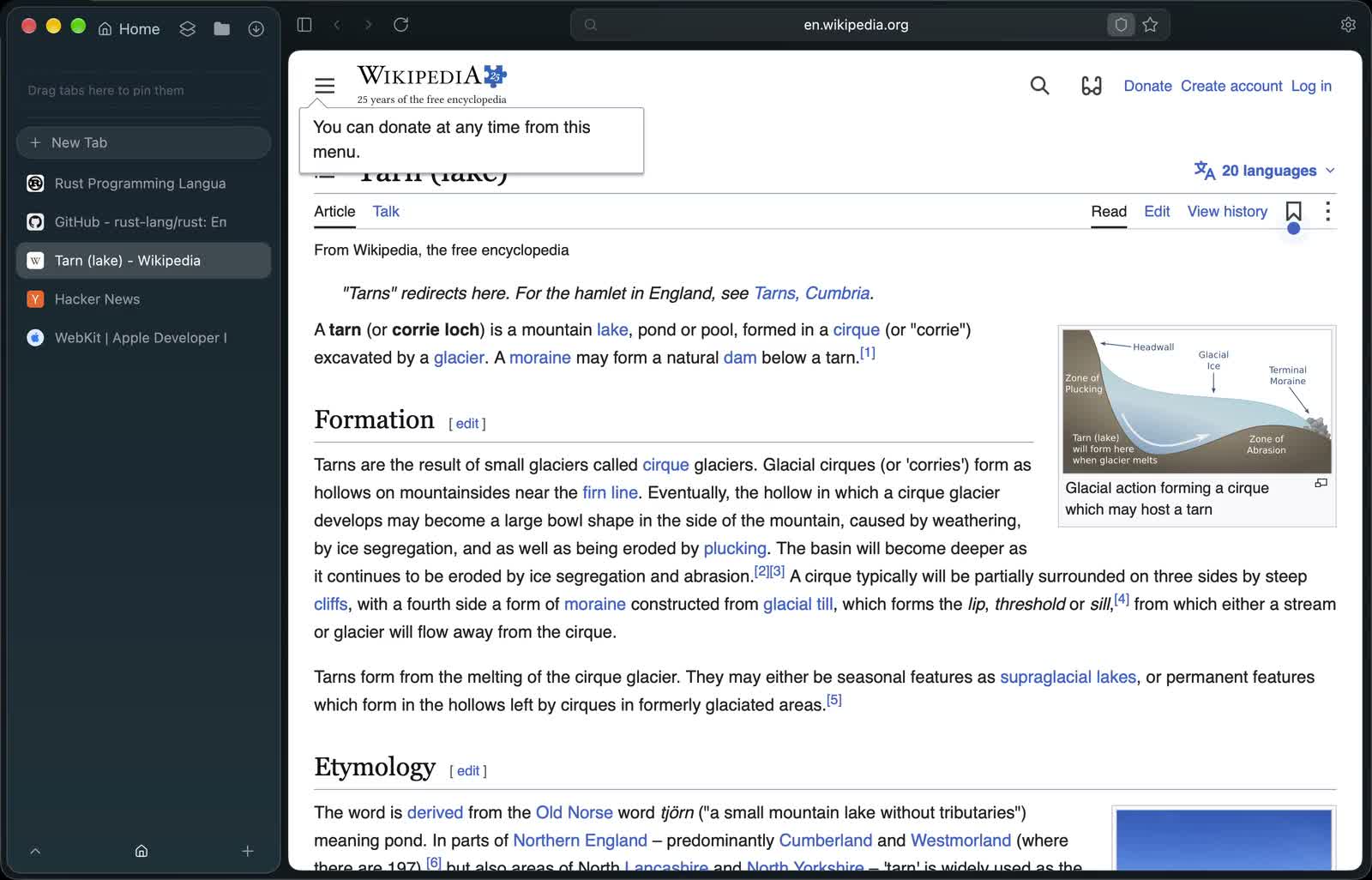
A look inside.
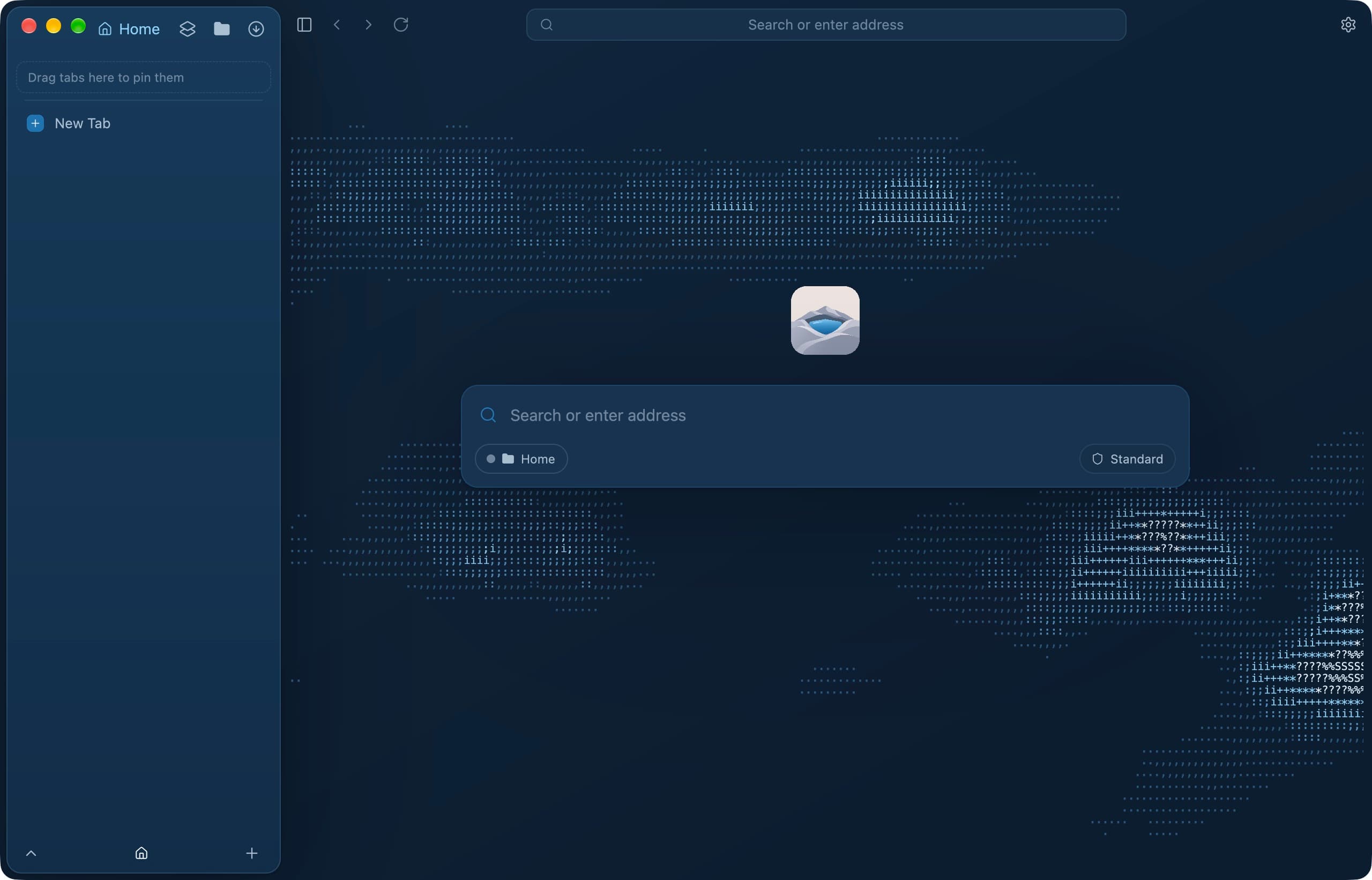
The start page. One field for addresses, search and actions. 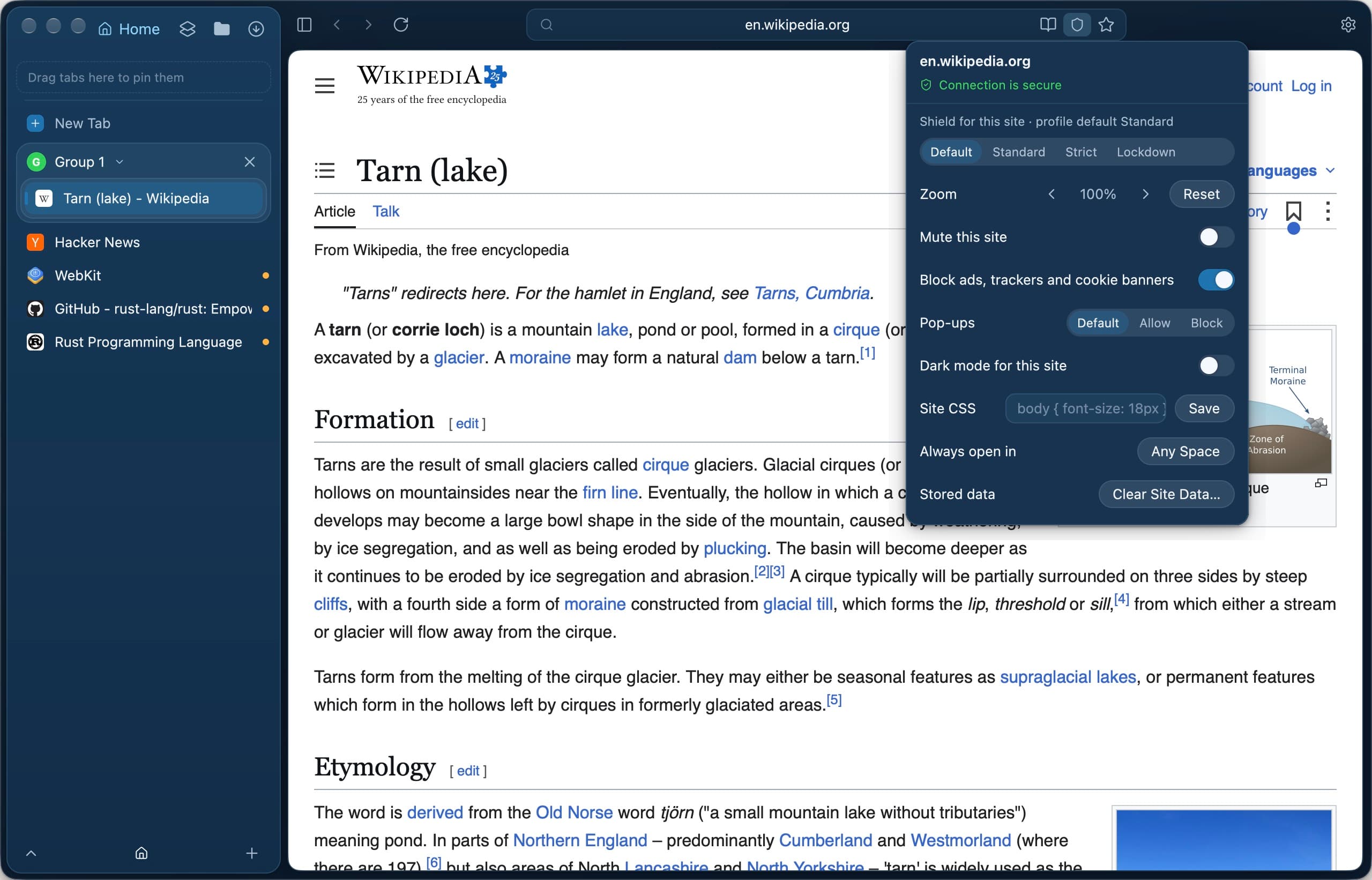
Site settings from the Shield badge: Shield level, blocking and more for one site. 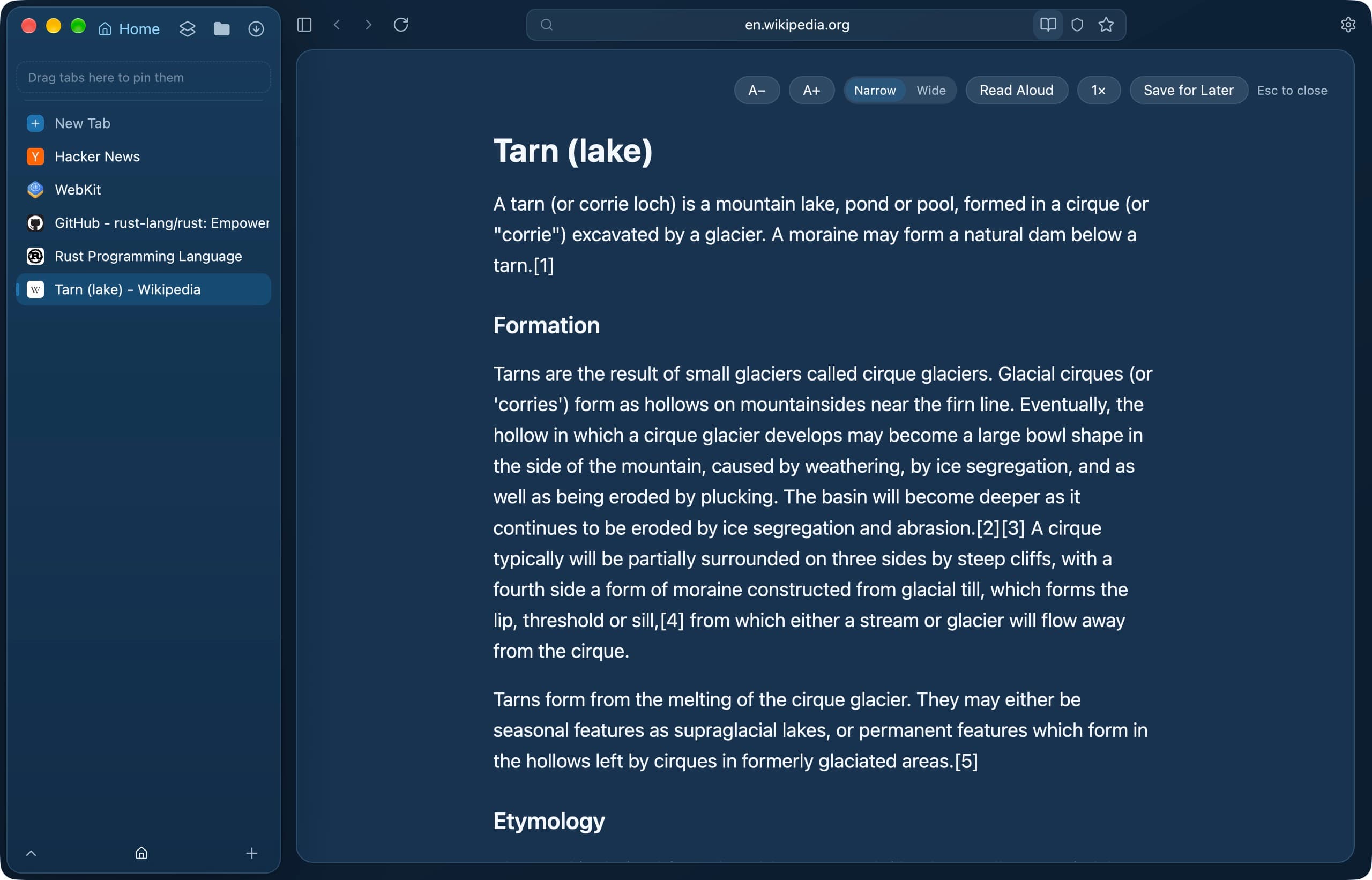
The reader: text size, width, Read Aloud and Save for Later. 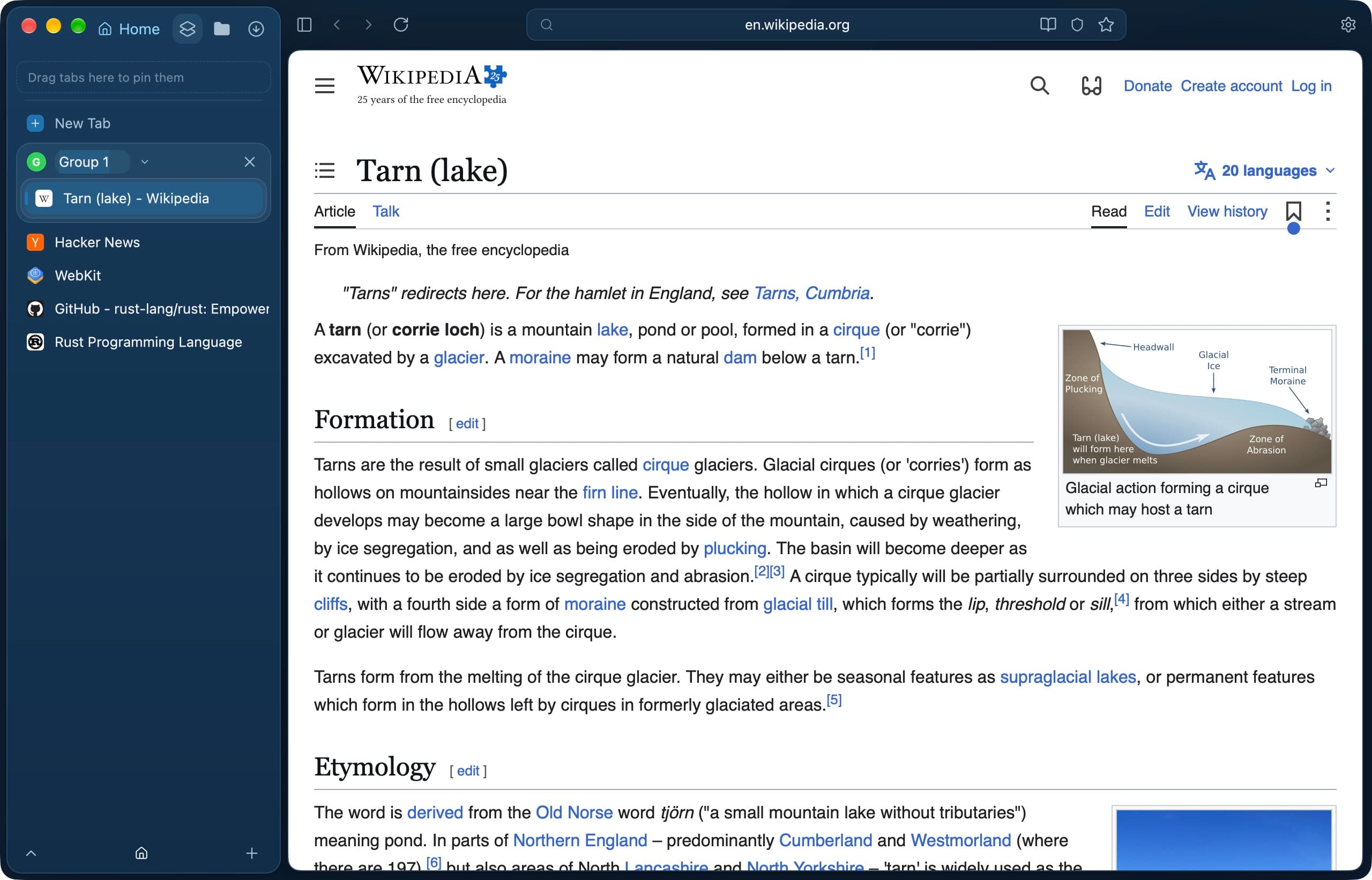
Tab groups keep related tabs together. 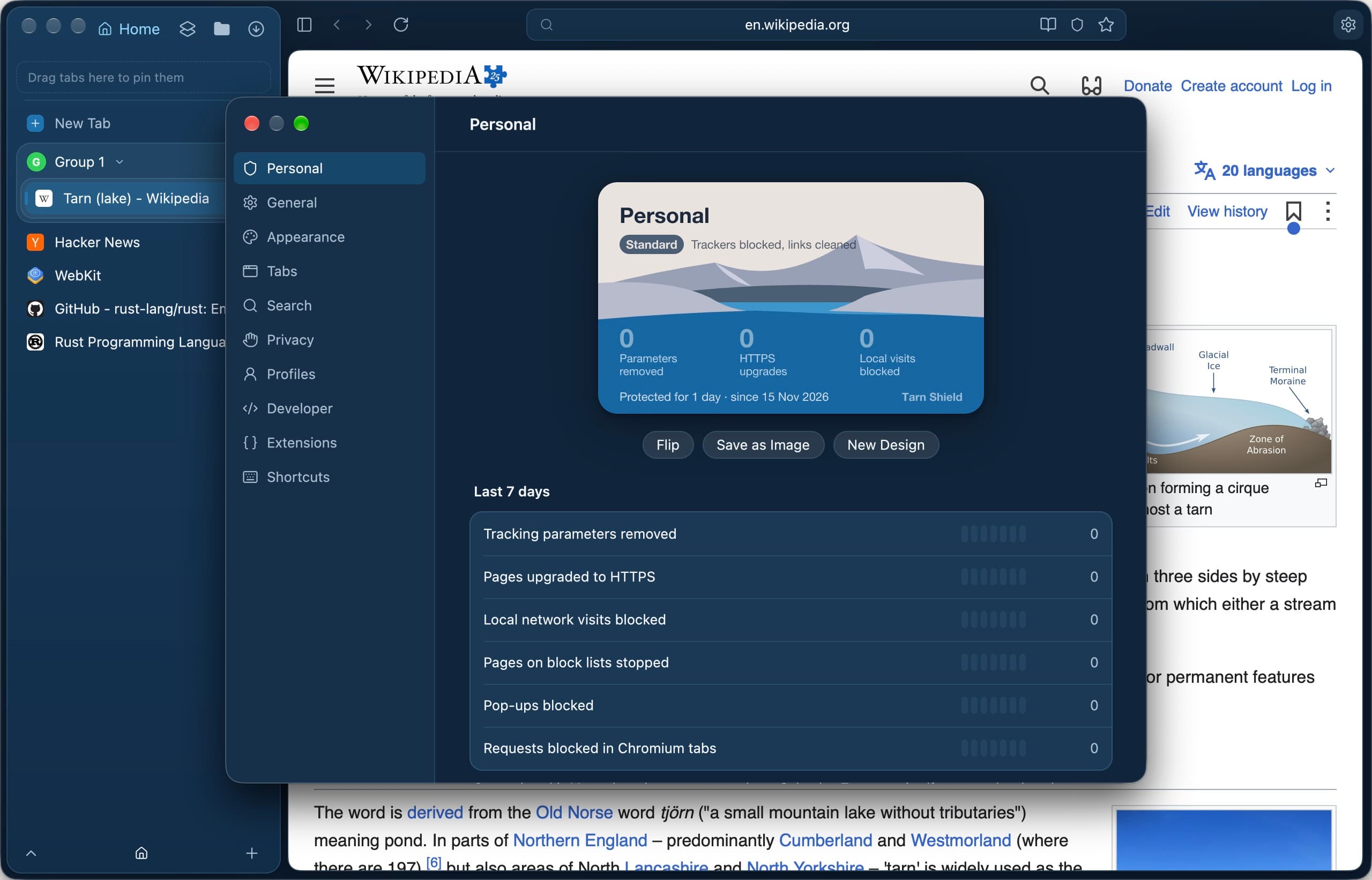
Settings, open on the profile's Shield card. 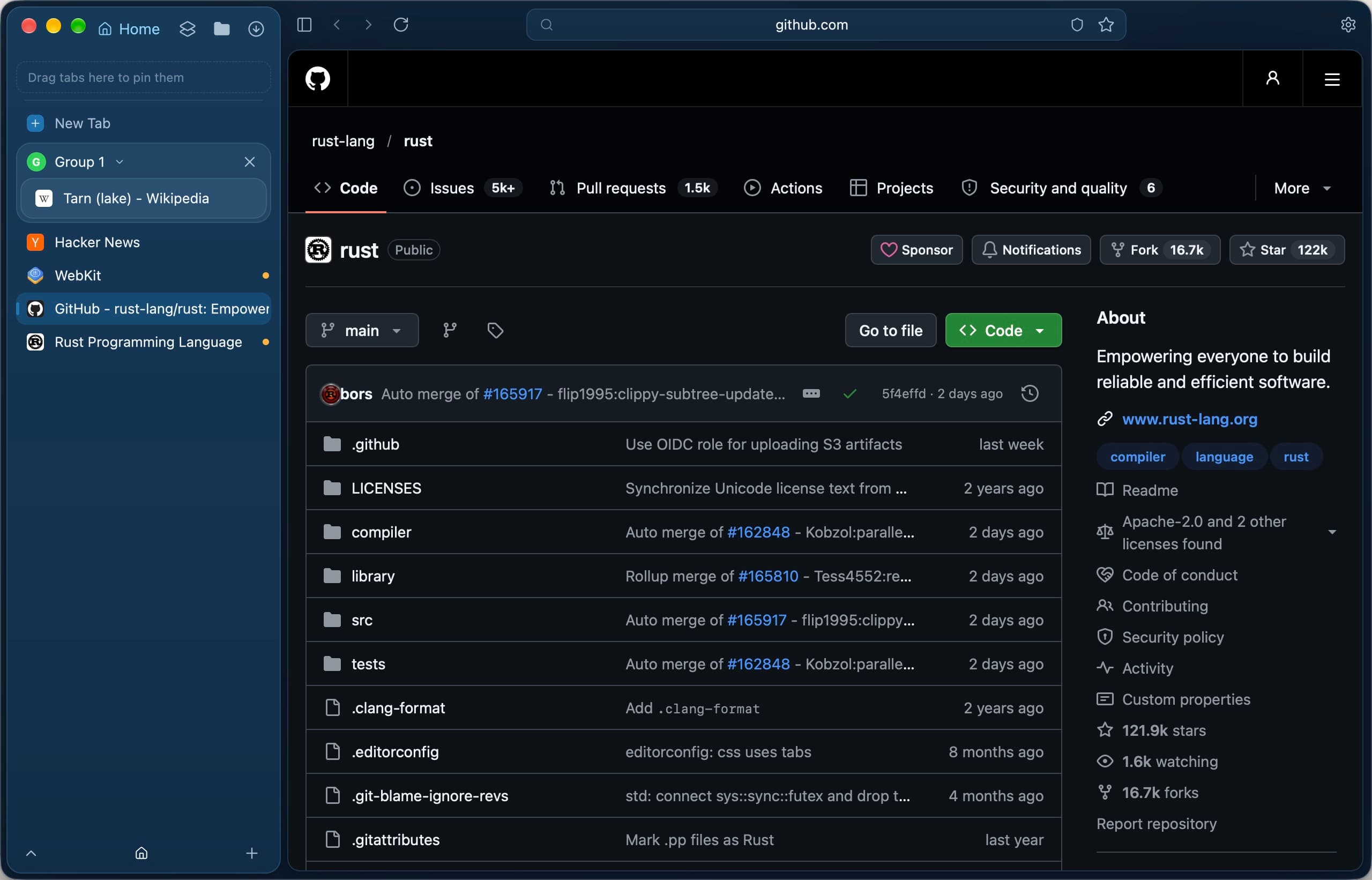
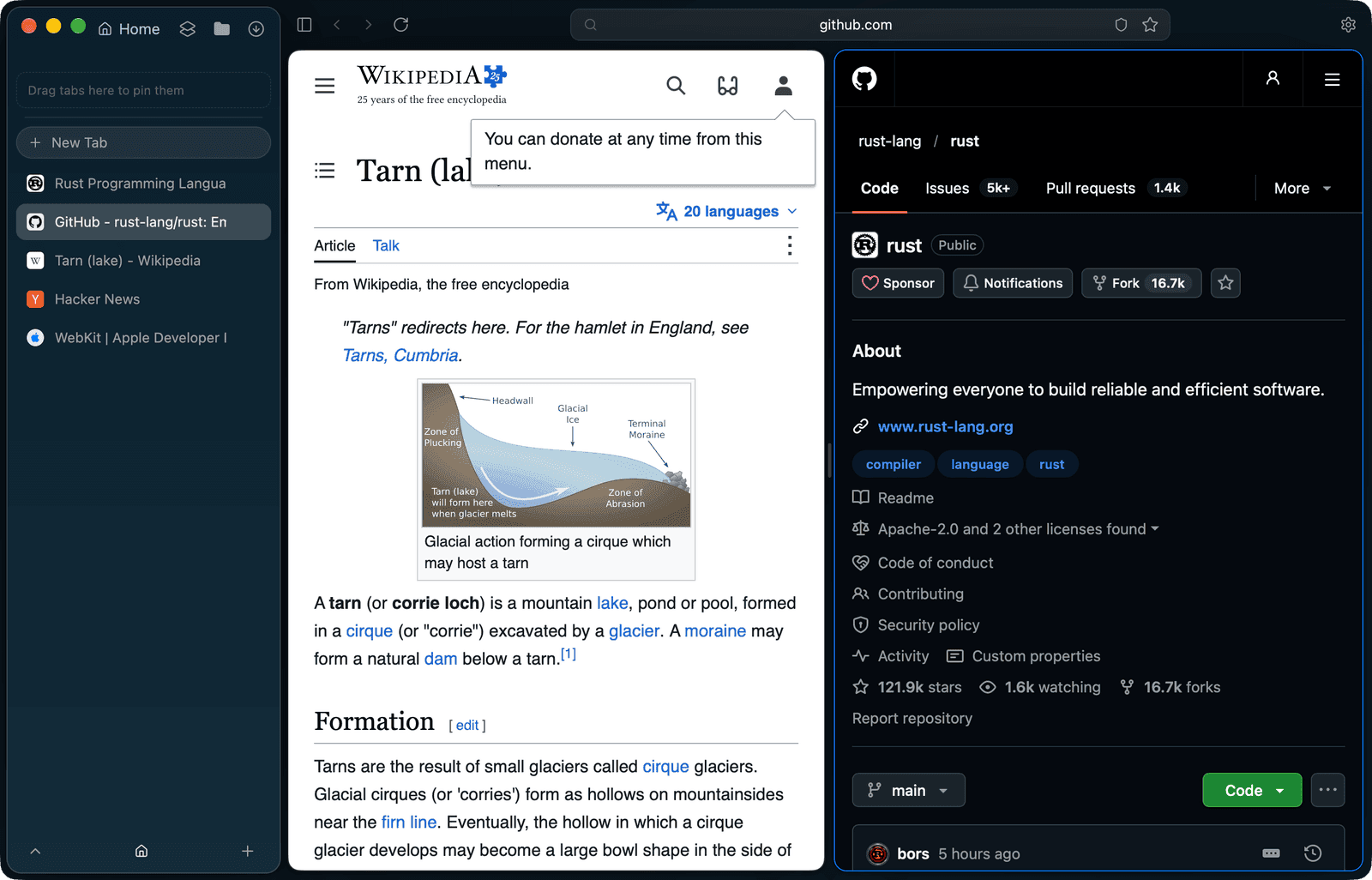
GitHub in Tarn, rendered by the system WebKit.
Tabs, sorted into spaces.
Vertical tabs in a sidebar, one space per part of your life. Profiles keep cookies and history apart.
Switch spaces, drag a tab up to pin it, or close one.
Read more about this feature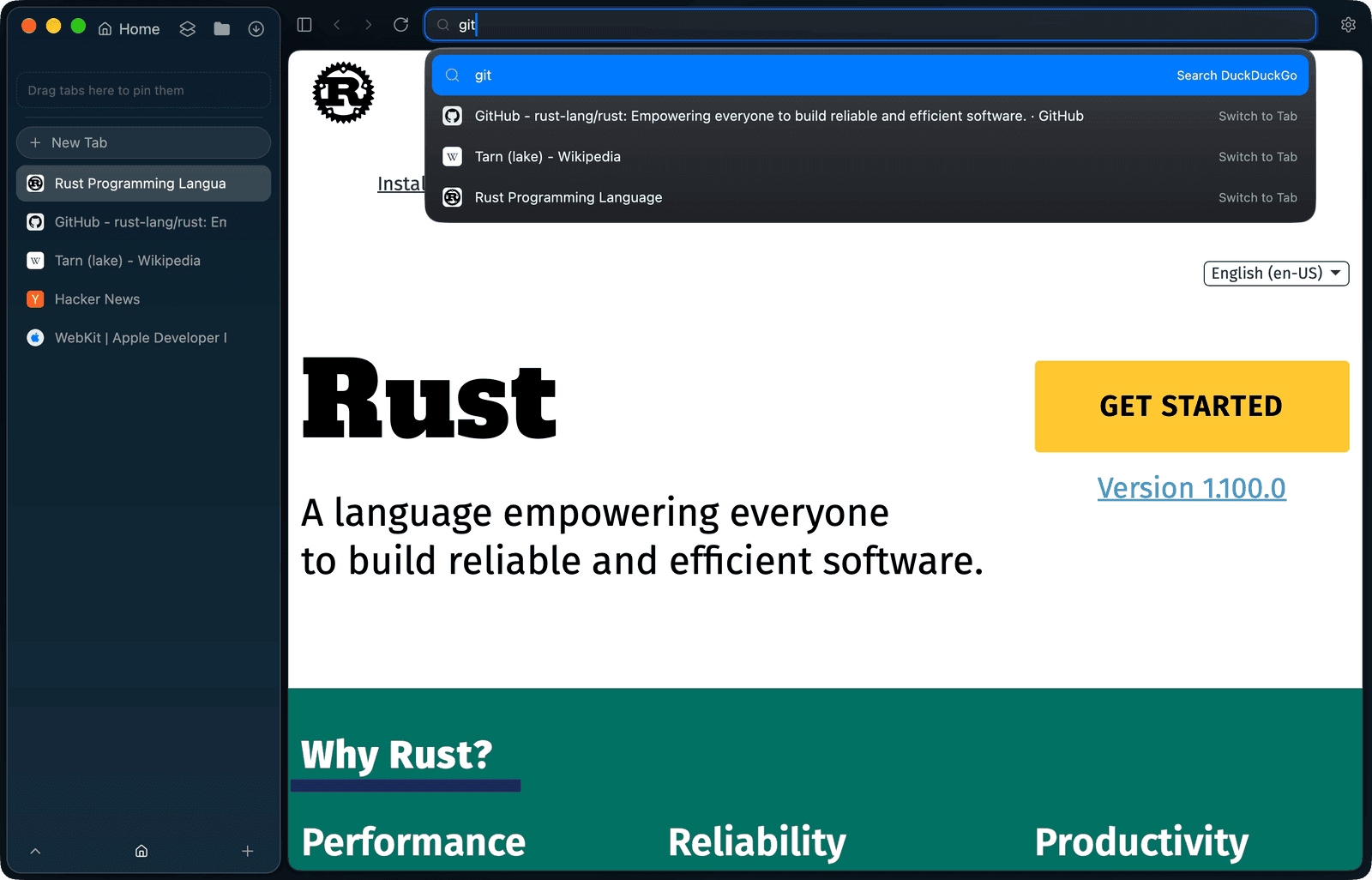
One field for everything.
Addresses, search, open tabs and app actions. Type a few letters and go.
Type “split” or “lockdown”, then press Enter.
Read more about this feature- rust-lang/rustSwitch to Tab
- Tarn (lake) - WikipediaSwitch to Tab
- Rust Programming LanguageSwitch to Tab
- Split ViewAction
- Shield: StrictAction
en.wikipedia.org/wiki/Tarn_(lake)
Shield up from the first page.
Trackers and ads stop at the edge. Filter lists are signed and updated daily.
Change the level, or switch the Shield off and watch.
Read more about this feature- blocked
- 0
- cleaned
- 0
- passed
- 0
- Trackers and ads blocked✓on
- Tracking parameters stripped✓on
- Local network kept out of reach✓on
- HTTPS onlyoff
- No cross-site referreroff
- JavaScript offoff
- No site data keptoff