How Tarn is built
A browser that is native, not Electron
- Shell
- Rust
- Interface
- Drawn with GPUI
- Default engine
- System WebKit
- Optional engine
- Chromium per tab, through CEF
- Requires
- macOS 14 or later
- Telemetry
- None, and no accounts
What does native mean here?
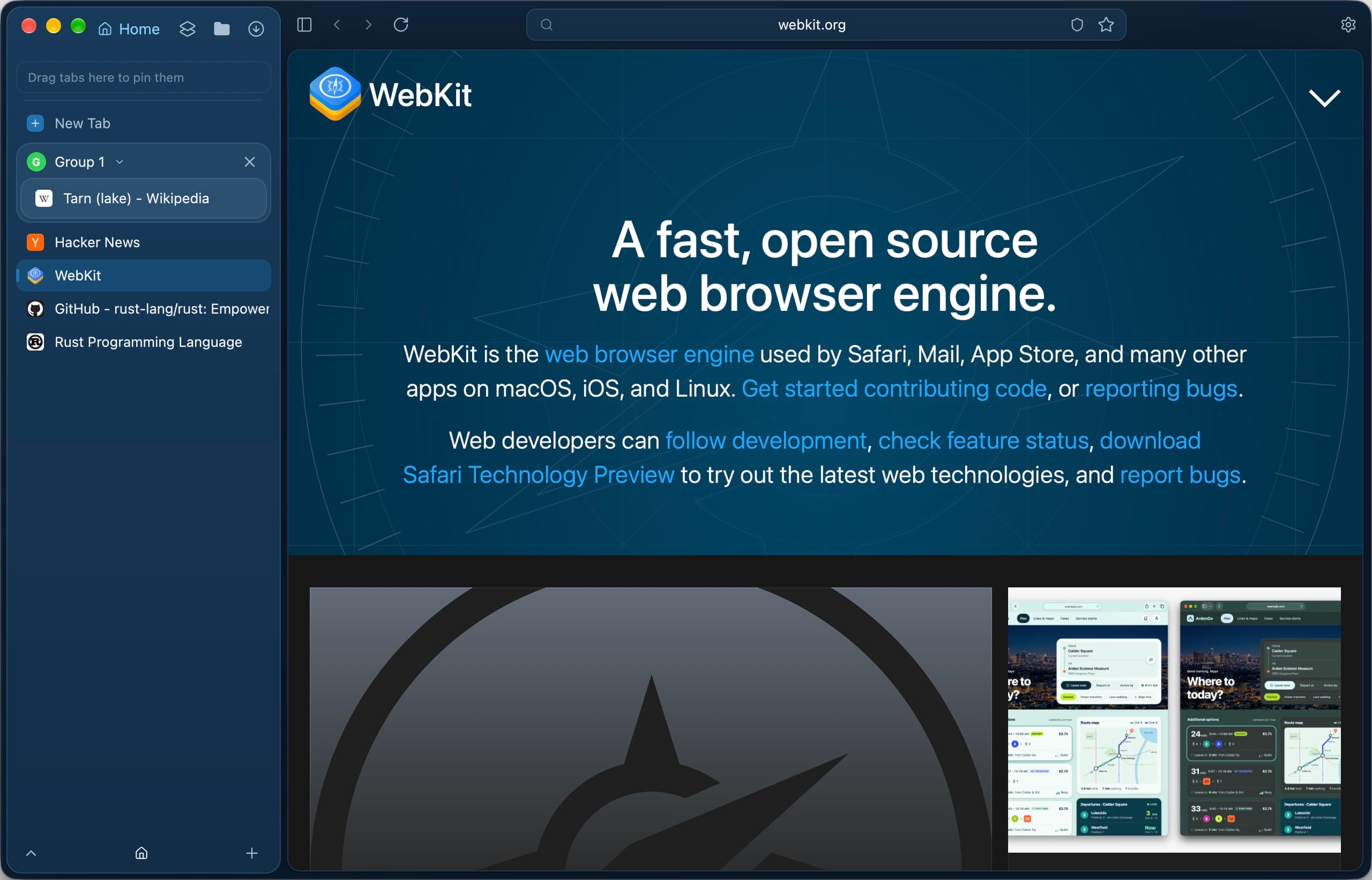
Tarn does not bundle a web runtime to draw its own interface. The window, sidebar and toolbar are drawn with GPUI from Rust, and each page is a native WebKit view inside that window.
- Rust shell; unsafe code is confined to the engine and platform crates
- No script bridge from a web page into the shell
- Profile data stays in ~/Library/Application Support/Tarn
Why WebKit by default?
WebKit is the engine macOS already ships, so pages render in the system's own engine and the system keeps it patched. Every tab opens in WebKit unless you pick Chromium for it.
What changes when I open a Chromium tab?
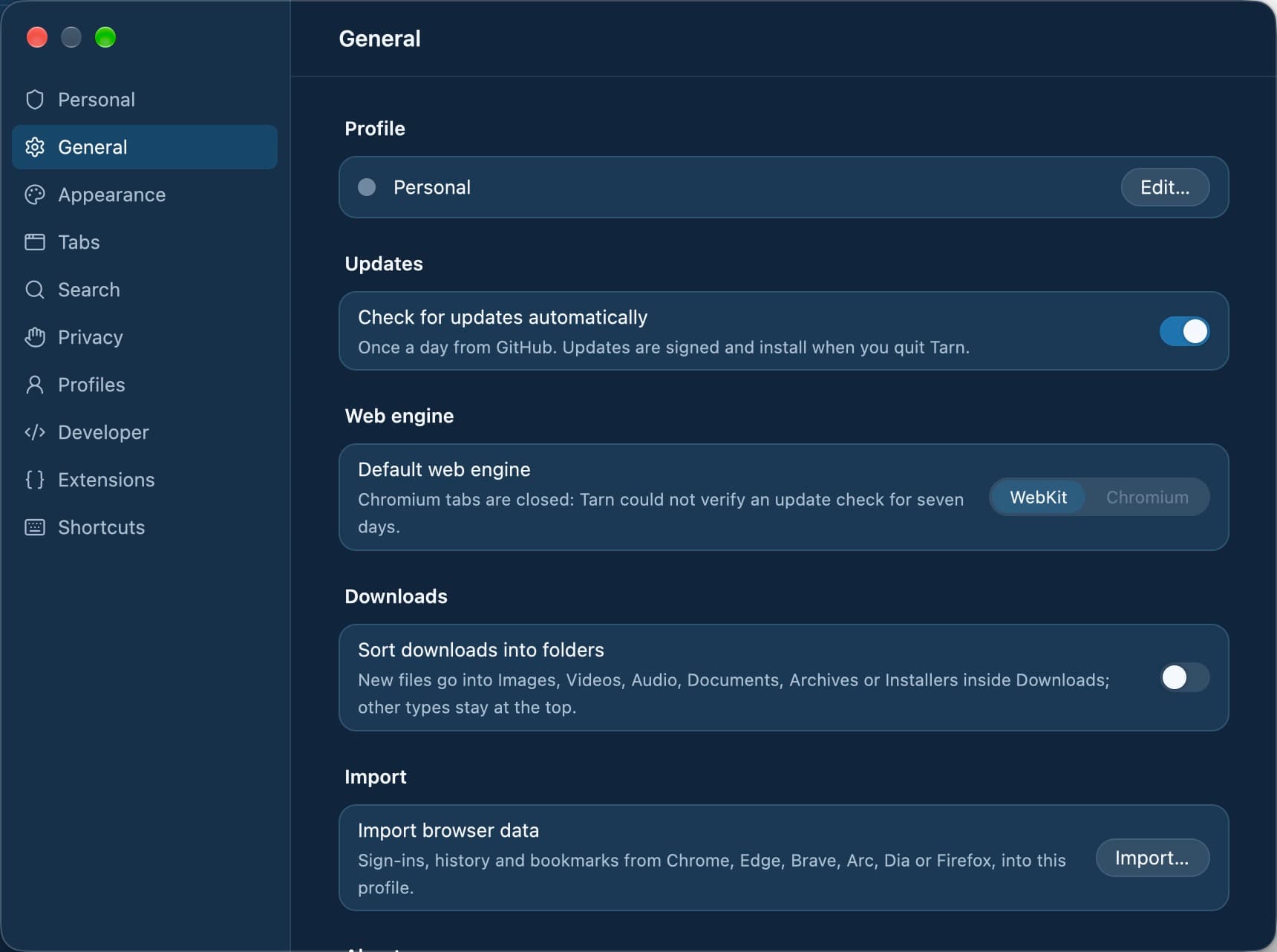
You can open a tab in Chromium, or make it the default in Settings › General, while automatic updates are on. Before the first Chromium tab, Tarn tells you that Chromium connects to Google. Chromium keeps its data in its own folder for one profile only, sends a standard Chrome user agent, and starts with background networking off, third-party cookies blocked and permission prompts set to block.
- Logins carry over for sites you open in Chromium yourself, copied in memory only
- Private spaces and other profiles never use Chromium
- Chromium tabs close once the build's Chromium is 28 days old
Which engine does each platform use?
Each client uses the web engine its platform provides, over the same shared Rust core. Only macOS is released today.
- macOS: system WebKit, with optional Chromium tabs once signed releases are published
- Windows: Chromium through CEF, with the same GPUI interface (in development)
- Linux: WebKitGTK 6.0 from the distribution (in development)
- iOS: WKWebView, iOS 17 or later (in development)
- Android: the system WebView, Android 9 or later (in development)
What it does not do
- Tarn is in early development. The macOS app is the only client available.
- Chromium tabs are offered only while automatic updates are on, because its security fixes arrive only through them. A build that cannot reach a published, signed update feed never opens Chromium.
- Chromium tabs run without Tarn's memory measurement, and the list of hosts Chromium may contact on its own is not enforced.
- The iOS and Android apps have no signed or store builds yet, and the Linux app has been checked only in containers and test installs.
Questions
Is Tarn built on Electron?
No. The interface is drawn with GPUI from a Rust shell, and pages render in the system WebKit. There is no bundled web runtime drawing the window.
Which engine does Tarn use to render pages?
WebKit, the engine macOS ships, is the default for every tab. You can open individual tabs in Chromium, or make Chromium the default, while automatic updates are on.
Does Tarn collect telemetry?
No. Tarn has no accounts, no telemetry and no servers of its own. The few connections the browser makes itself, such as update and filter-list checks, are listed in Settings › Privacy.
Does opening a Chromium tab send data to Google?
Chromium connects to Google, and Tarn tells you so before the first Chromium tab. Its background networking, component updater and search-engine choice screen are off, but the hosts it may contact on its own are not enforced.
Which macOS version does Tarn need?
macOS 14 or later.
Is Tarn available for Windows, Linux, iPhone or Android?
Not yet. Windows (with Chromium through CEF), Linux, iOS and Android are in development and have no released builds. Linux, iOS and Android use each platform's own web engine; Windows uses Chromium through CEF.
Last reviewed
Try Tarn on your Mac
No account to make and nothing sent home. macOS 14 or later; other platforms are in development.