Tarn and Arc: a calm sidebar, without the account
| Feature | Tarn | Arc |
|---|---|---|
| Engine | System WebKit; Chromium per tab, optional | Chromium (Blink) |
| Built-in blocking | Yes: trackers, ads, cookie banners, malware, each a switch | Not verified |
| Account required | No: Tarn has no accounts | Yes, for the desktop browser |
| Telemetry | None | Not verified |
| Sidebar and vertical tabs | Yes: vertical tabs in the sidebar | Yes: tabs, search and bookmarks in a sidebar |
| Spaces and profiles | Yes: spaces, and profiles with separate data | Yes: spaces, each with a profile |
| Split view | Yes: two tabs side by side | Yes: up to four tabs |
| Sync between devices | No | Yes, with an Arc account |
| Extensions | Partly: Safari web extensions from installed Mac apps | Yes: Chrome extensions |
| Platforms | macOS 14+ today; Windows, Linux, iOS, Android in development | macOS 13+, Windows 10+; ends 22 Dec 2026 |
| Open source | MIT or Apache-2.0 licence; source not public yet | No |
— means we could not verify the cell from Arc's own documentation or established reporting. Sources are listed at the end of the page.
Where Tarn differs from Arc
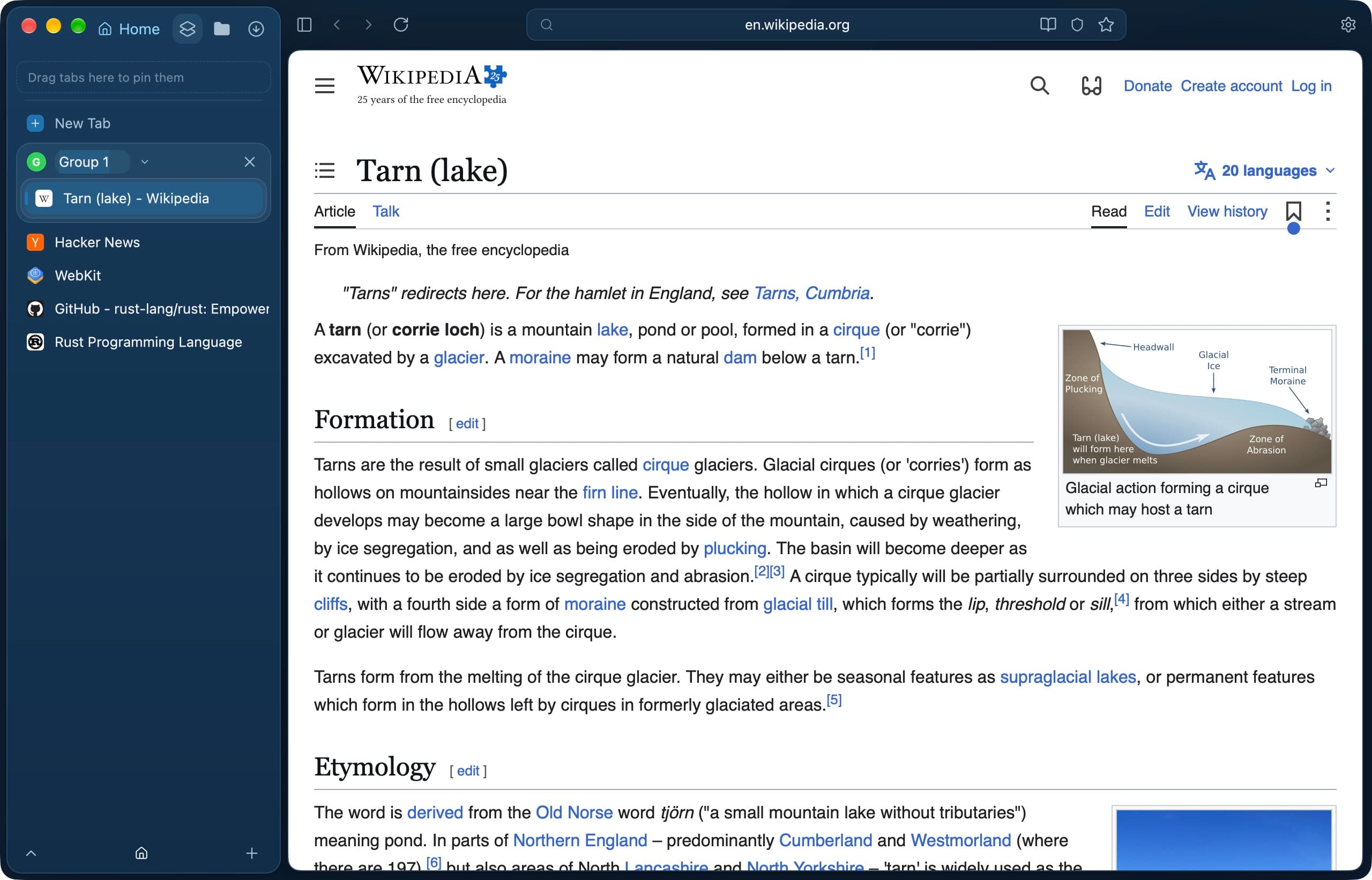
Tarn keeps the ideas many Arc users came for, a vertical sidebar, spaces and Split View, and builds them without an account.
- No sign-up: Tarn has no accounts and no telemetry, and browsing data stays on your Mac.
- Spaces have their own name, colour and icon; profiles keep cookies, logins, history and bookmarks fully separate.
- Ads, trackers, cookie banners and malware sites are blocked by signed lists, each a switch in Settings › Privacy.
- Pages render in the system WebKit by default; a Chromium tab is there when a site needs it, once signed updates are published.
Switching from Arc: what to expect
Tarn's importer reads Arc and Dia profiles on your Mac and brings in history, bookmarks and, if you choose Import All, cookies, so many sites stay signed in. Arc's spaces do not become Tarn spaces automatically; you create spaces and profiles once. Chrome extensions do not carry over.
Where Arc, or Dia, is the better choice
Arc's Split View holds up to four tabs, where Tarn's holds two, and Arc runs Chrome extensions. If you want to keep your setup with the least work, The Browser Company moves passwords, bookmarks, extensions and history to Dia, and Arc's spaces become Dia profiles. Arc also runs on Windows; Tarn runs on the Mac only and is in early development.
Tarn or Arc?
Is Arc being discontinued?
Yes. The Browser Company announced on 22 October 2026 that Arc stops working on Mac and Windows on 22 December 2026. New Arc accounts can no longer be created, and accounts and personal data are deleted within 30 days of the shutdown.
Can I import my Arc data into Tarn?
Yes. Import Browser Data lists the Arc profiles it finds on your Mac and imports history and bookmarks, plus cookies with Import All. It is safest to import before Arc stops working on 22 December 2026.
Does Tarn need an account like Arc?
No. Tarn has no accounts. Arc's desktop browser needs an Arc account before you can use it.
Does Tarn have spaces like Arc?
Yes. Tarn's spaces each have a name, colour and icon, and you switch with ⌃1 to ⌃9 or a swipe over the sidebar. Every space belongs to a profile with its own cookies and history.
Should I move to Dia or to Tarn?
Dia is the direct path: The Browser Company moves your Arc passwords, bookmarks, extensions and history across. Tarn suits you if you want no account, built-in blocking and a native Mac app, and can live without Chrome extensions.
Sources
- TechCrunch: Arc browser sunsets December 22
- The Register: Arc browser development ends
- Wikipedia: Arc (web browser)
- Arc Help Center: Ad blocking in Arc and Manifest V3
- Tarn: the project's README, privacy notice, threat model and interface notes.
Last reviewed
Try Tarn on your Mac
No account to make and nothing sent home. macOS 14 or later; other platforms are in development.