Available
Tarn for macOS
- Requires
- macOS 14 or later
- Shell
- Rust, drawn with GPUI
- Engine
- System WebKit
- Optional engine
- Chromium per tab, through CEF
- Install
- Signed, notarised download
What works on the Mac today?
The full feature set. macOS is the lead client, so every feature lands here first and is the reference for the others.
- Shield with Standard, Strict and Lockdown levels, and blocking you can switch per site
- Spaces and profiles with separate cookies and site data; private spaces in memory only
- One address field for URLs, search, open tabs and app actions, and a shortcut for nearly everything
- Split View, link peek, tab groups, pinned tabs and tabs that sleep when unused
How is it built?
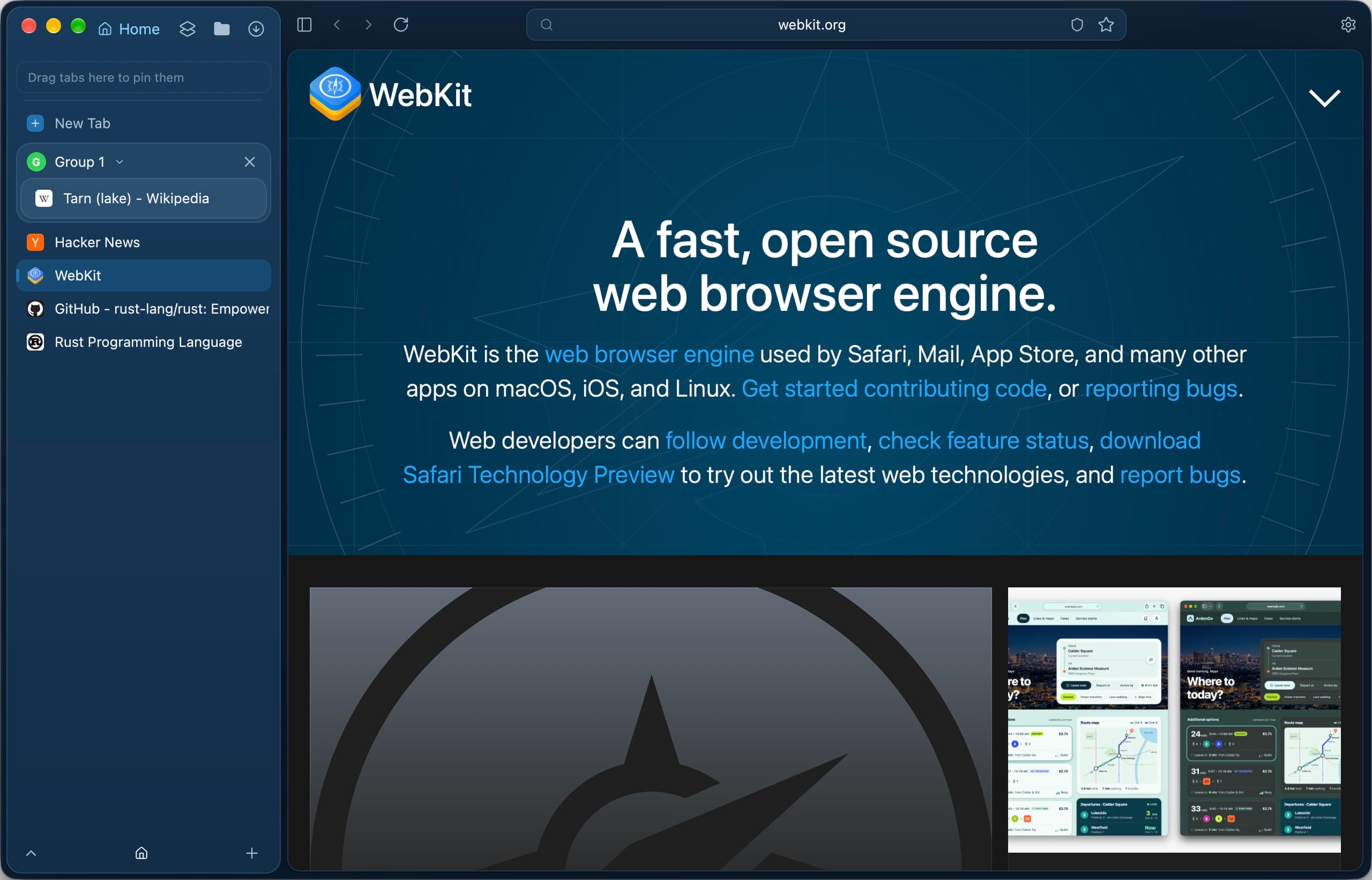
A Rust shell draws the interface with GPUI; each page is a native WebKit view inside that window. Chromium tabs are built in and offered while automatic updates are on, because Chromium's security fixes arrive only through them. Updates are EdDSA-signed and checked by Sparkle before they install.
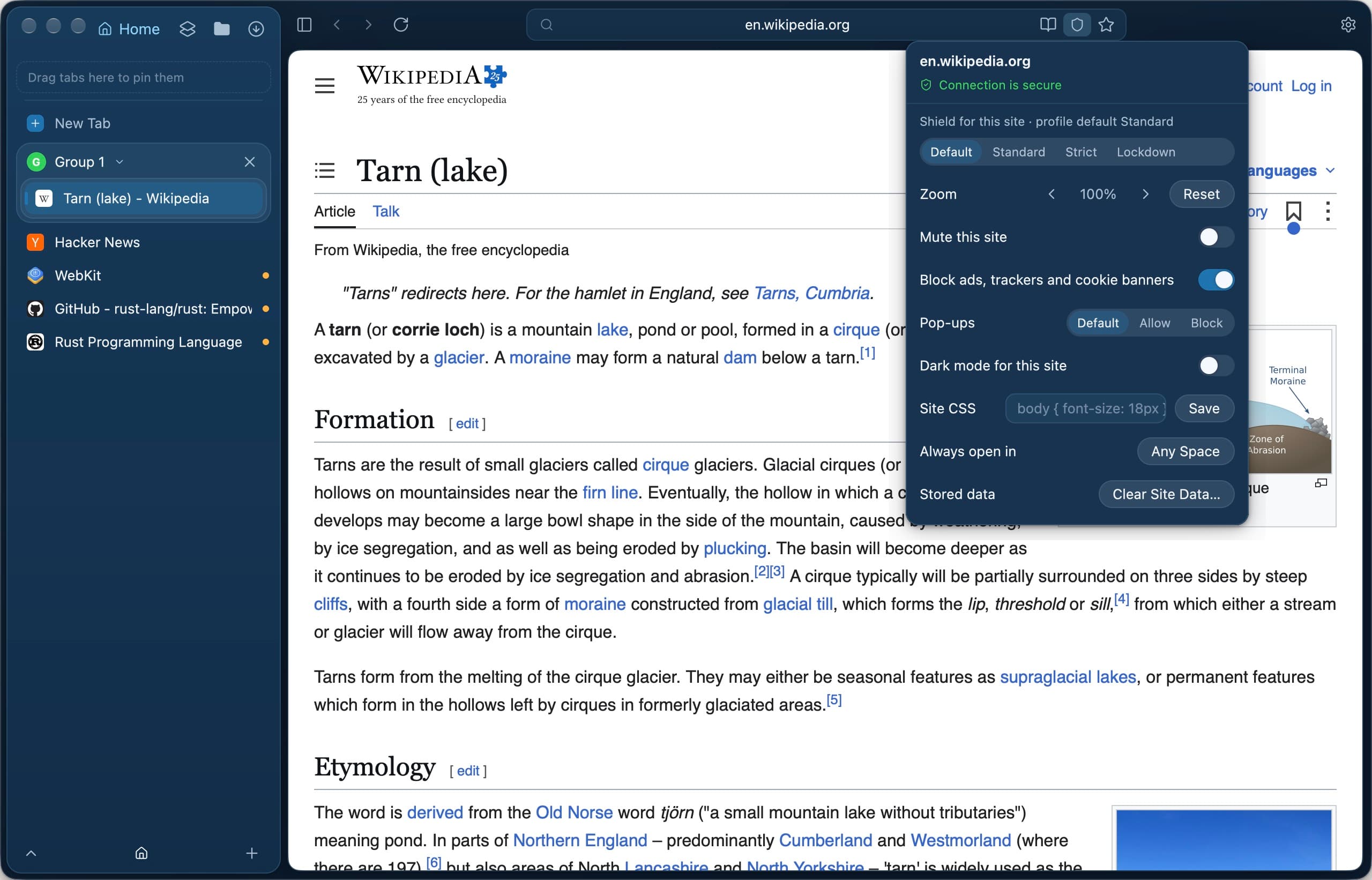
Site settings from the Shield badge: Shield level, blocking and more for one site. 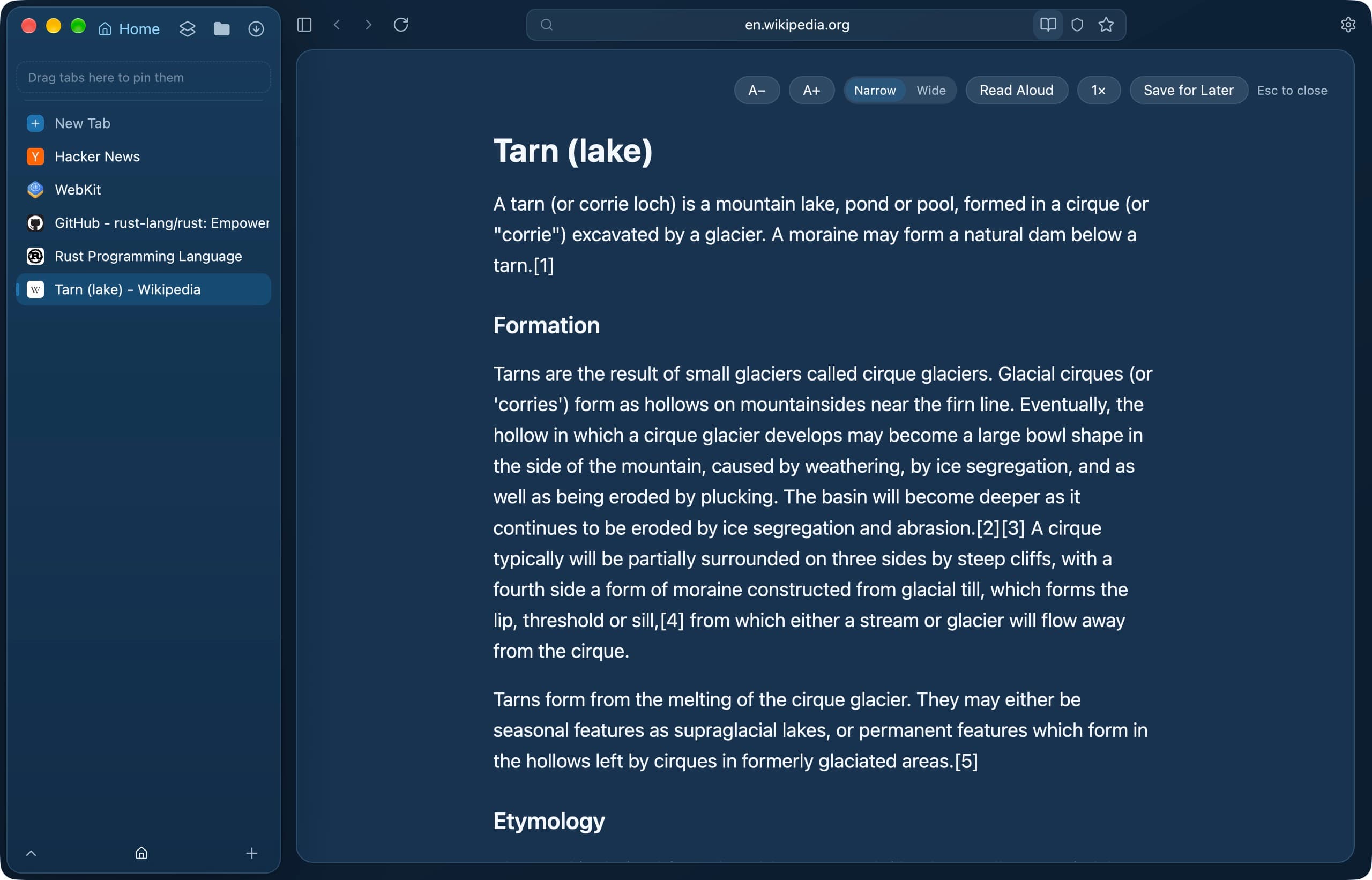
The reader: text size, width, Read Aloud and Save for Later. 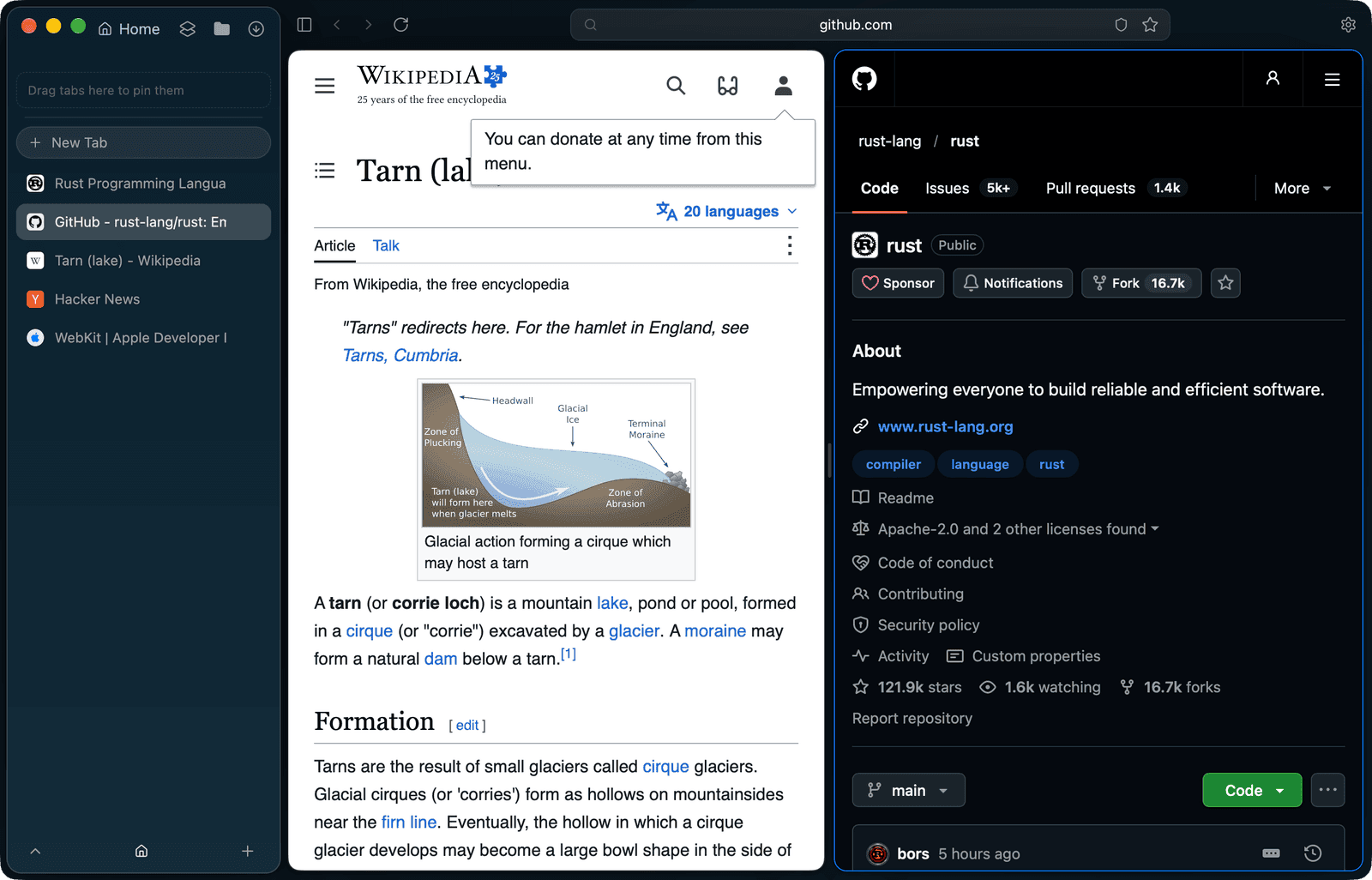
Split View puts two pages side by side in one window. 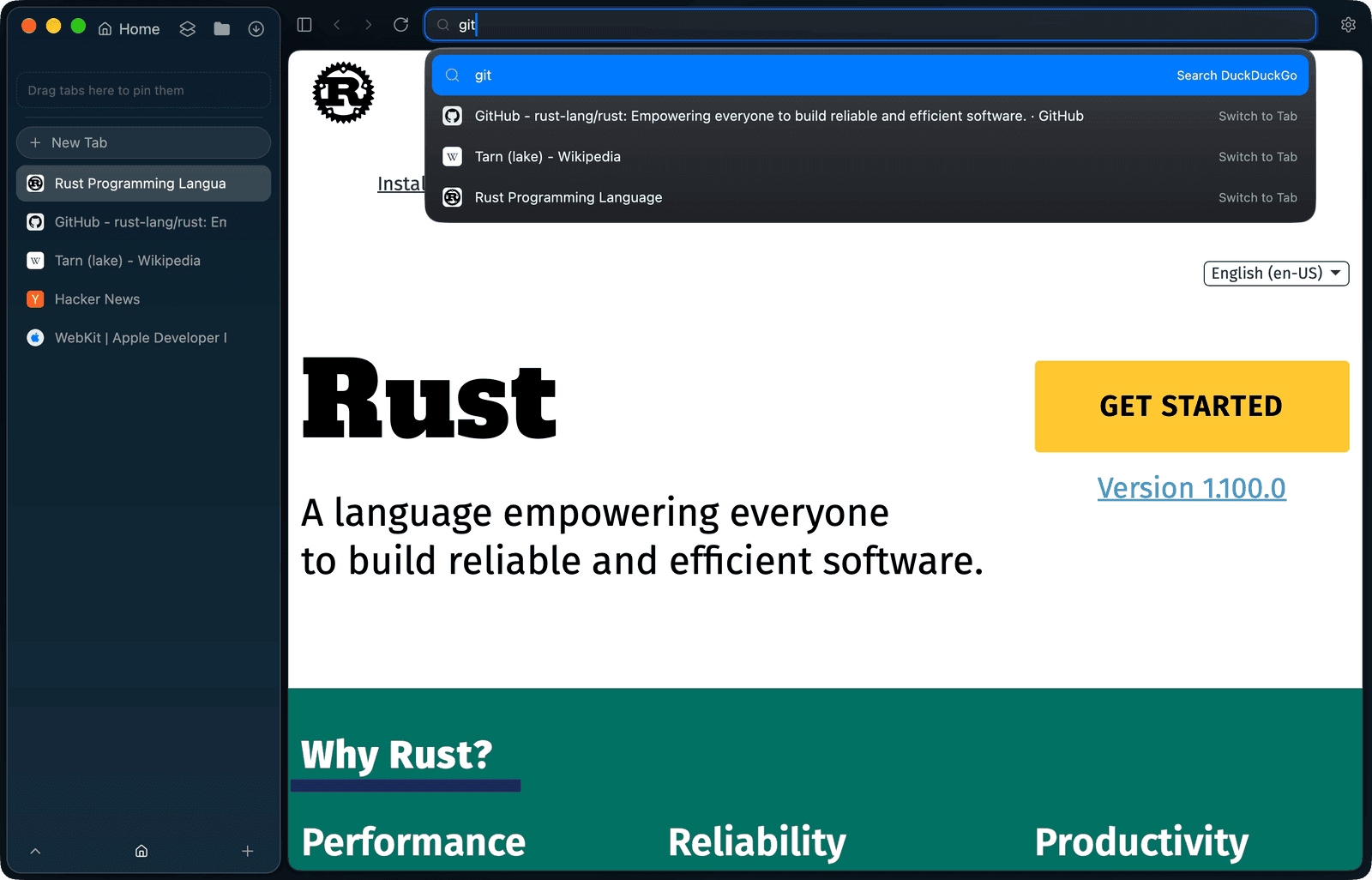
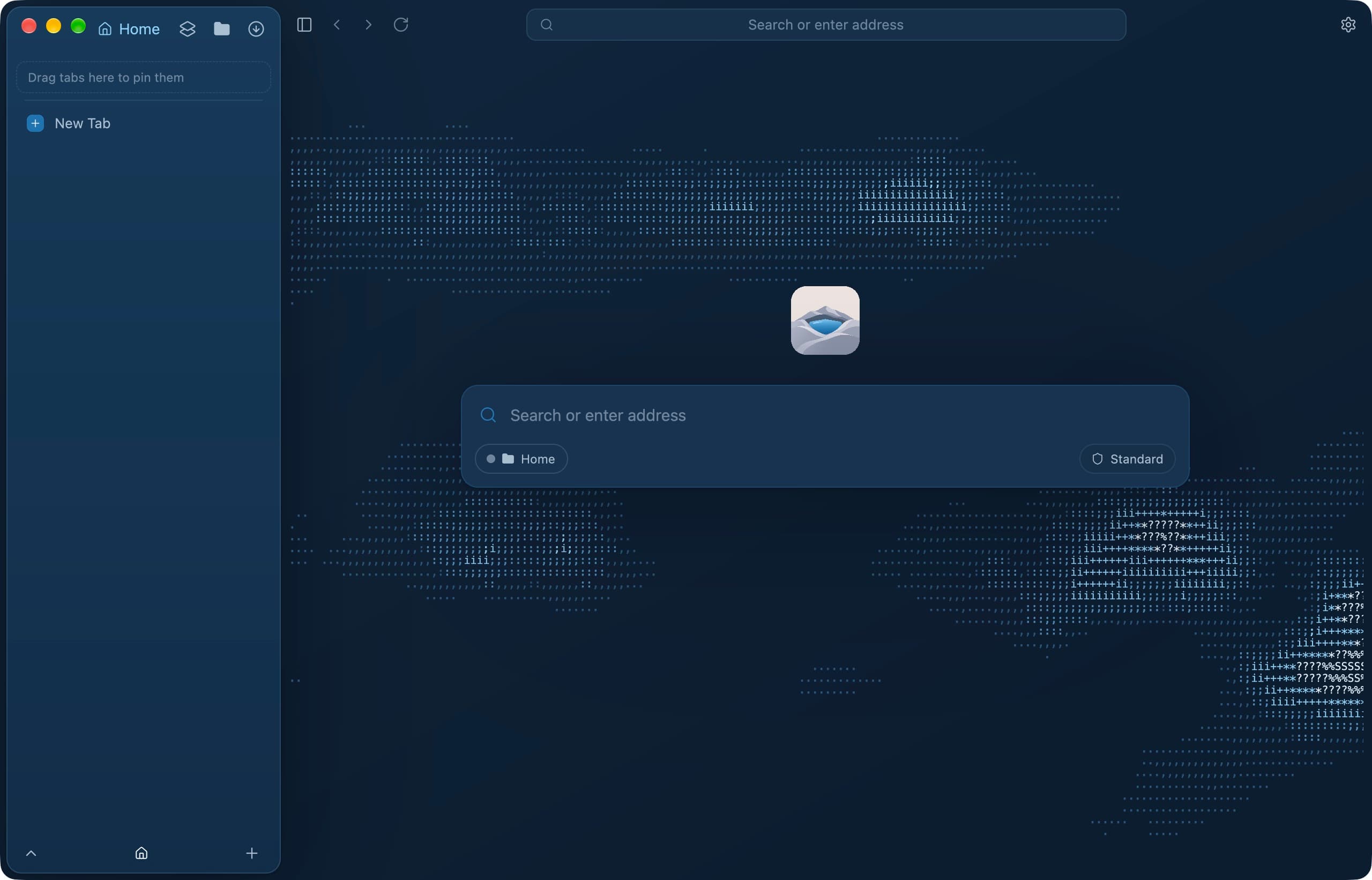
One field searches the web and switches to open tabs. 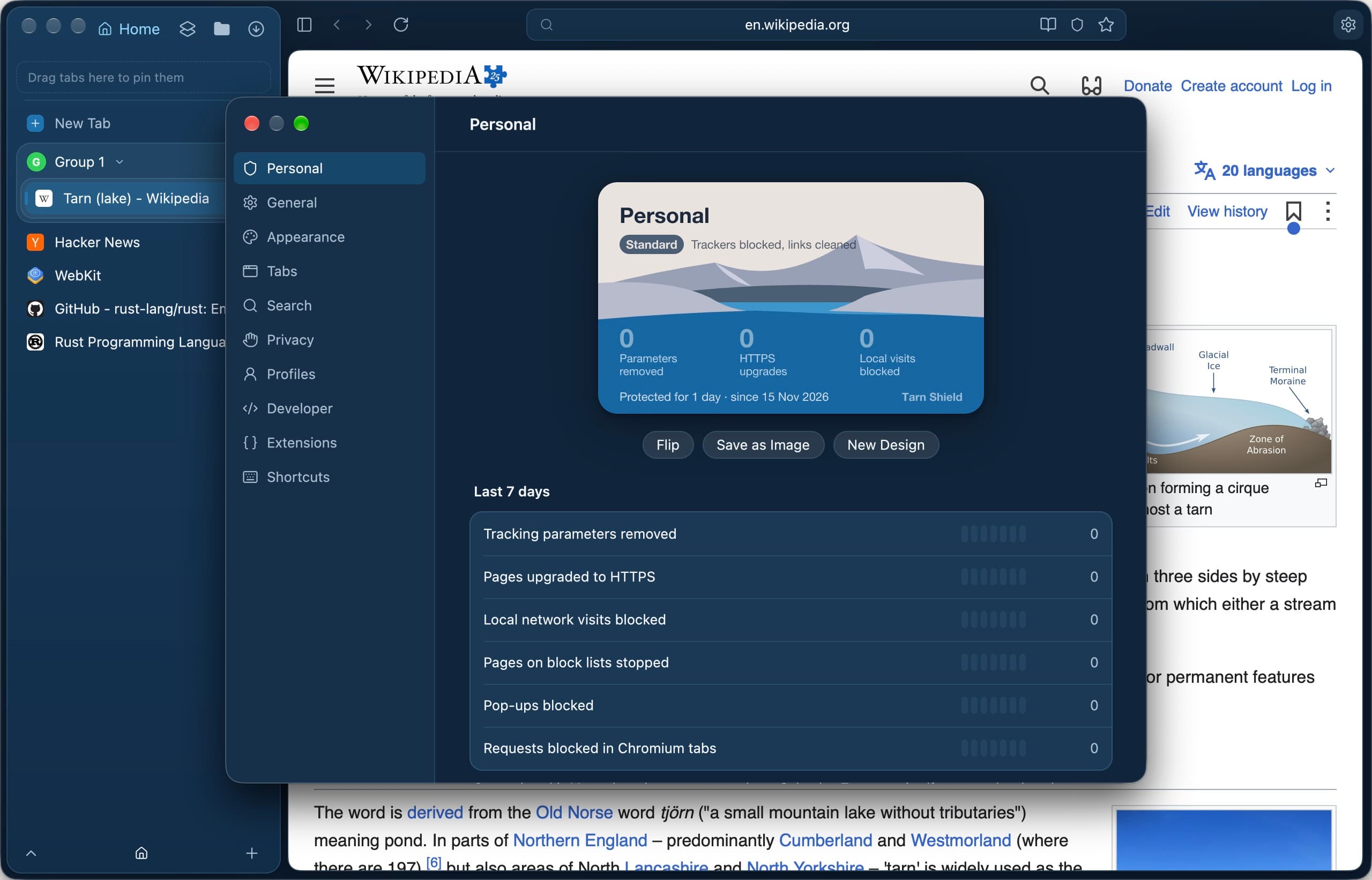
Settings, open on the profile's Shield card. 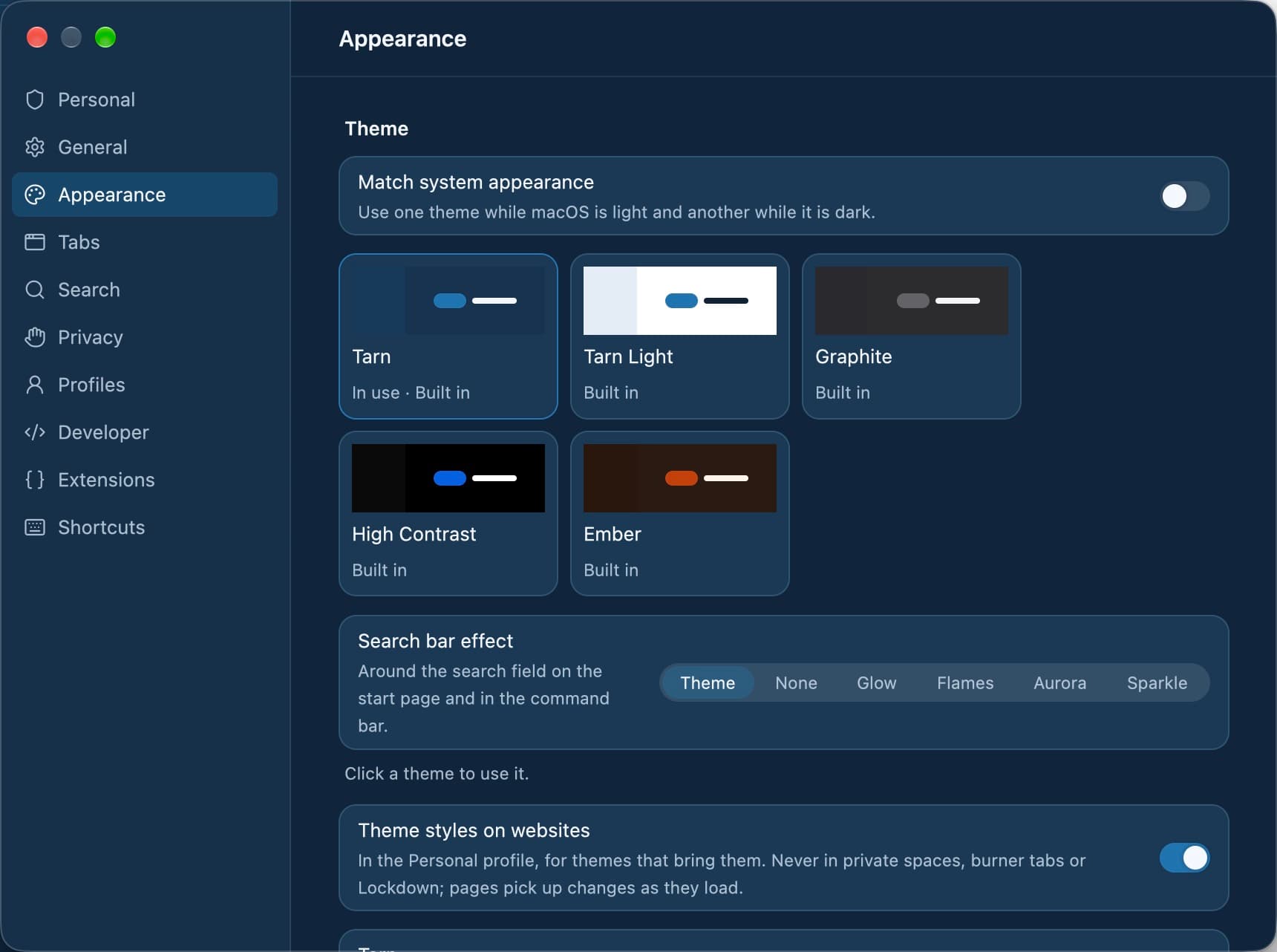
Appearance: built-in themes and the search bar effect.
Where does my data live?
Profile data stays in ~/Library/Application Support/Tarn and WebKit's data in ~/Library/WebKit/dev.tarn.browser. Tarn has no accounts, no telemetry and no servers of its own.
Can I build it myself?
Yes, with access to the repository. You need macOS 14 or later, the Xcode command line tools and stable Rust.
cargo run -p app --release
cargo run -p app -- https://example.com   # open a URL in a new tab
What it does not do yet
- Tarn is in early development; 0.1.0 is the first release.
- Chromium tabs open only while automatic updates are on. A build that cannot reach a signed update feed never opens Chromium.
- Chromium tabs run without Tarn's memory measurement, and the hosts Chromium may contact on its own are not enforced.
- macOS 13 and older are not supported.
Questions
Which macOS version does Tarn need?
macOS 14 Sonoma or later.
Is the Mac app signed?
Yes. Release builds are signed with Quavon's Apple Developer ID and notarised by Apple, and updates carry an EdDSA signature that is checked before they install.
Which engine renders pages on the Mac?
The system WebKit, which macOS ships and keeps patched. You can open single tabs in Chromium, or make it the default, while automatic updates are on.
Is the Mac app built on Electron?
No. The interface is drawn with GPUI from a Rust shell; there is no bundled web runtime drawing the window.
Does the Mac app send telemetry?
No. Tarn has no accounts and no telemetry. The few connections it makes itself, such as update and filter-list checks, are listed in Settings › Privacy.
Last reviewed
Try Tarn on your Mac
No account to make and nothing sent home. macOS 14 or later; other platforms are in development.