Many accounts
Every account in its own profile
Two logins to the same site
Each profile has its own WebKit data store, so a login in one profile is not seen by another. Put work in one profile and home in another, and both stay signed in at the same time.
Links land in the wrong account
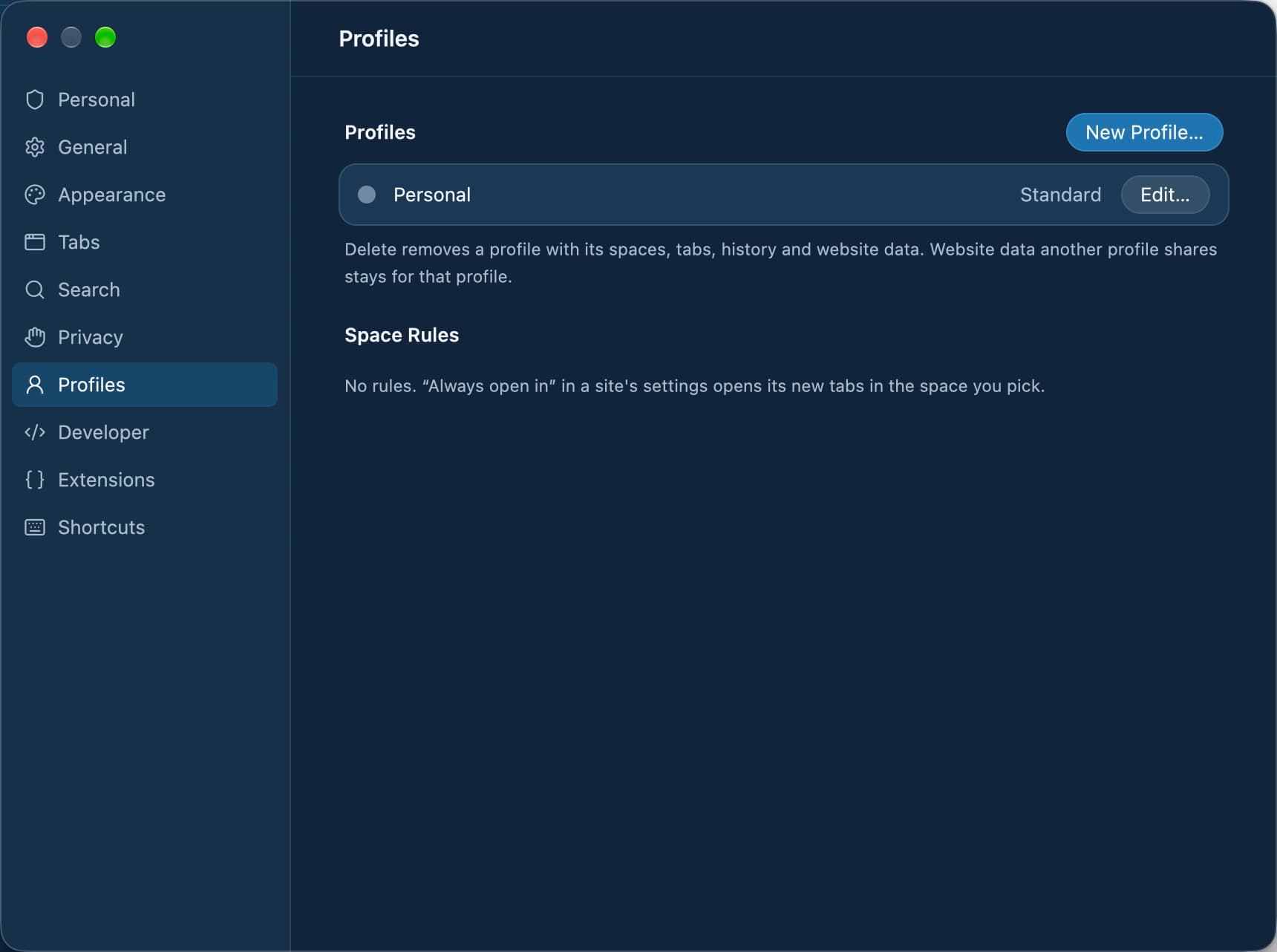
In a site's Site Settings, "Always open in" picks a space for that host. Links from other apps, ⌘-clicks and addresses typed into a new tab then open there. Settings › Profiles › Space Rules lists and removes them.
A client's account, just this once
A burner tab (⌥⇧⌘N) has its own in-memory data store and is gone when it closes, so a one-off login leaves nothing behind in any of your profiles.
Switching context all day
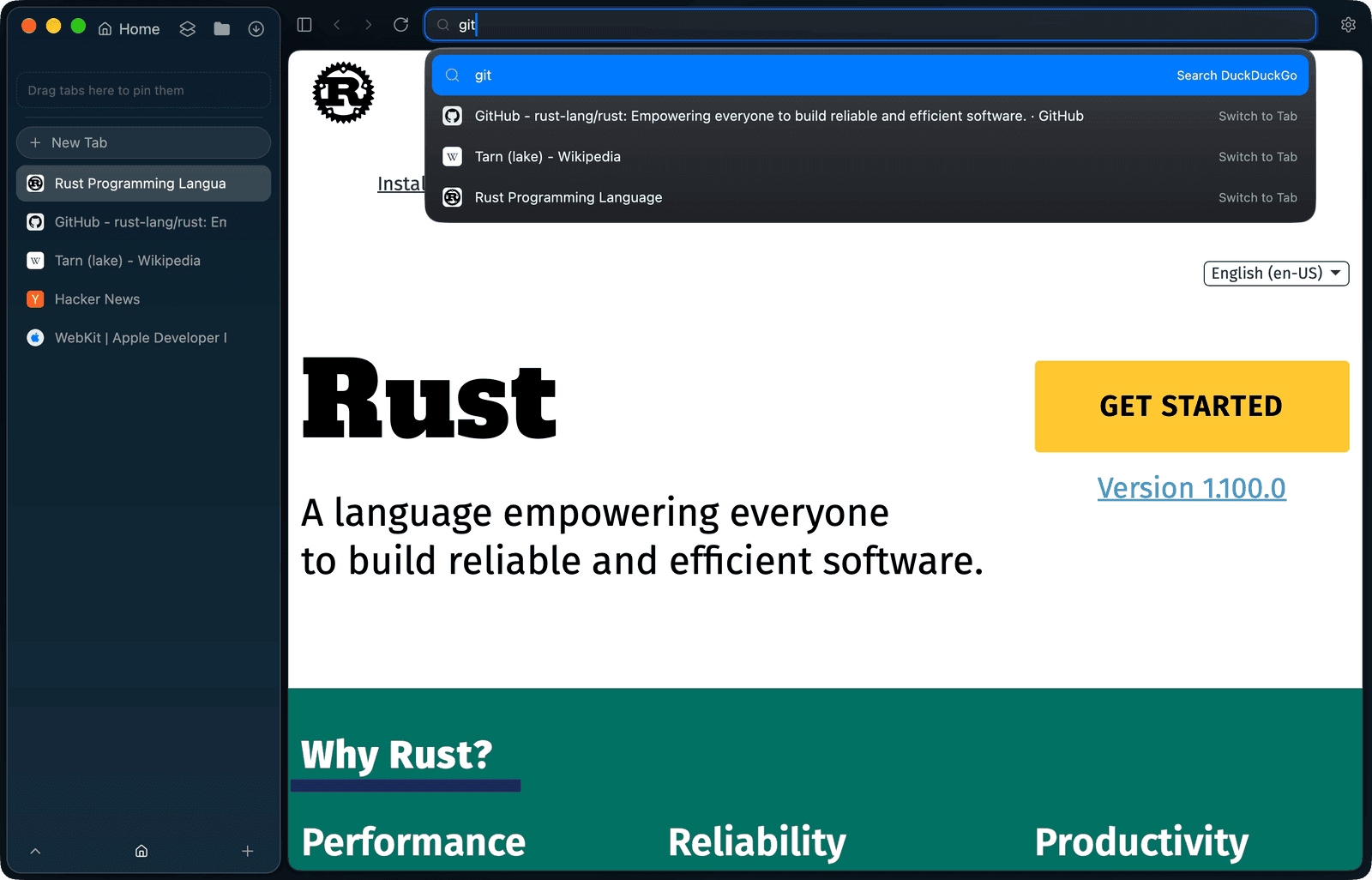
⌃1 to ⌃9 jump to a space by its position, and with trackpad gestures on you can swipe over the sidebar. Every shortcut is listed in the ⌘/ cheat sheet.
Questions
Can I be logged in to two accounts on the same site?
Yes, in two profiles. Each profile has its own WebKit data store, so its cookies and logins are not seen by the other.
Do spaces share cookies?
Spaces in the same profile do. Profiles never do, unless you chose "Share data with another profile" when creating one.
Can a site always open in the right account?
Yes. "Always open in" in a site's Site Settings picks a space for that host, and new tabs of it open there.
Can I delete a client's data when the work is done?
Yes. Settings › Privacy › Your data exports a profile's data as JSON and deletes its spaces, tabs, history, site settings and WebKit cookies, cache and storage. Files you downloaded stay.
How many spaces can I reach by keyboard?
⌃1 to ⌃9 select the first nine spaces in sidebar order. These keys are fixed and cannot be rebound.
Set Tarn up for many accounts
- Press ⇧⌘S, create a new profile for each account you keep apart, and give its space a name, colour and icon.
- Sign in to each account in its own profile's space.
- Click the Shield badge on a site and choose "Always open in" to send that host to the right space.
- Switch with ⌃1 to ⌃9, or turn on trackpad gestures in Settings › Tabs and swipe over the sidebar.
- Optionally, use Edit Space… to give a work space a schedule, so the window switches to it during working hours.
Where Tarn falls short
- Spaces that share a profile share its cookies; only separate profiles keep logins apart.
- Space rules do not move a script's pop-up, which keeps its opener for sign-in and payment flows, or links followed inside a tab.
- Switch to Tab offers tabs of the current profile only.
- Profiles separate what sites store, not what they can see: there is no deep fingerprinting protection on WebKit.
- Spaces and profiles ship on macOS today; Windows, Linux, iOS and Android are in development.
Try Tarn on your Mac
No account to make and nothing sent home. macOS 14 or later; other platforms are in development.