In development
Tarn for iPhone and iPad
- Requires
- iOS 17 or later
- Shell
- Native Shell 0.5.0, UIKit
- Engine
- WKWebView (WebKit)
- Checked on
- iPhone 17 and iPad Pro 13-inch simulators
- Install
- None yet; simulator build
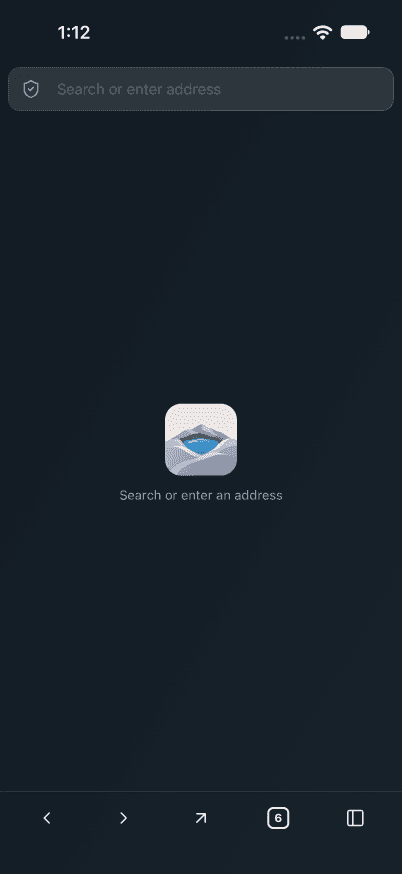
The start page on iPhone. 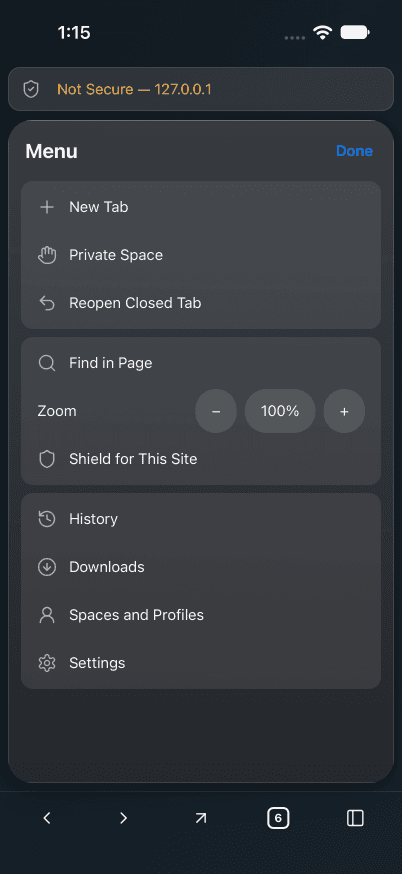
Everything else lives in one menu. 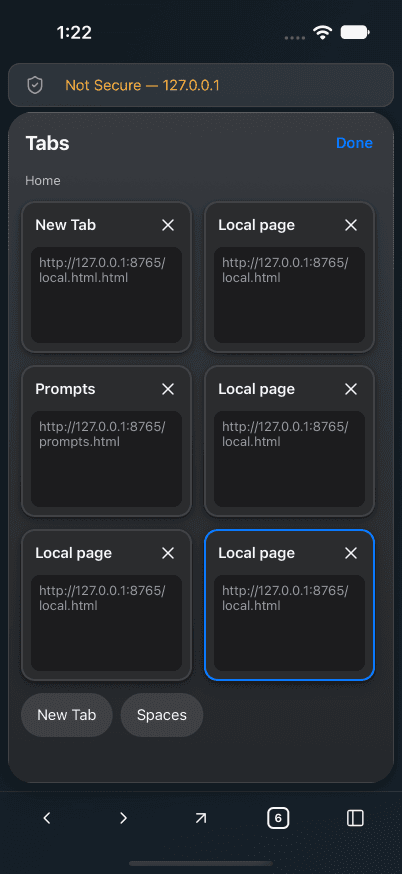
Tabs as a grid of cards. 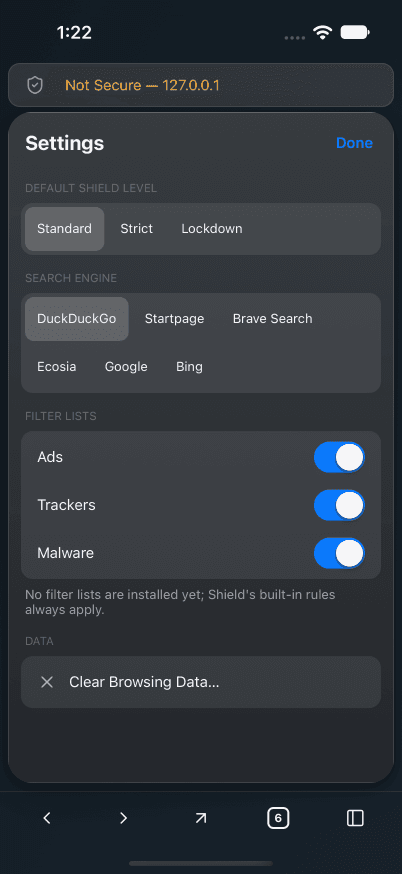
Settings: Shield level, search engine and blocking.
What works on iPhone and iPad today?
The checks ran in the iPhone 17 and iPad Pro 13-inch simulators against a local test server.
- A tab grid, a bottom toolbar on the phone and a wide top bar on iPad and in landscape
- Profiles with separate data stores, and a private space whose cookie is found nowhere after it closes
- Shield: private-network blocking, HTTPS-only at Strict and per-site Lockdown
- Prompts that name the asking site, find in page, and downloads saved to Files › On My iPhone › Tarn
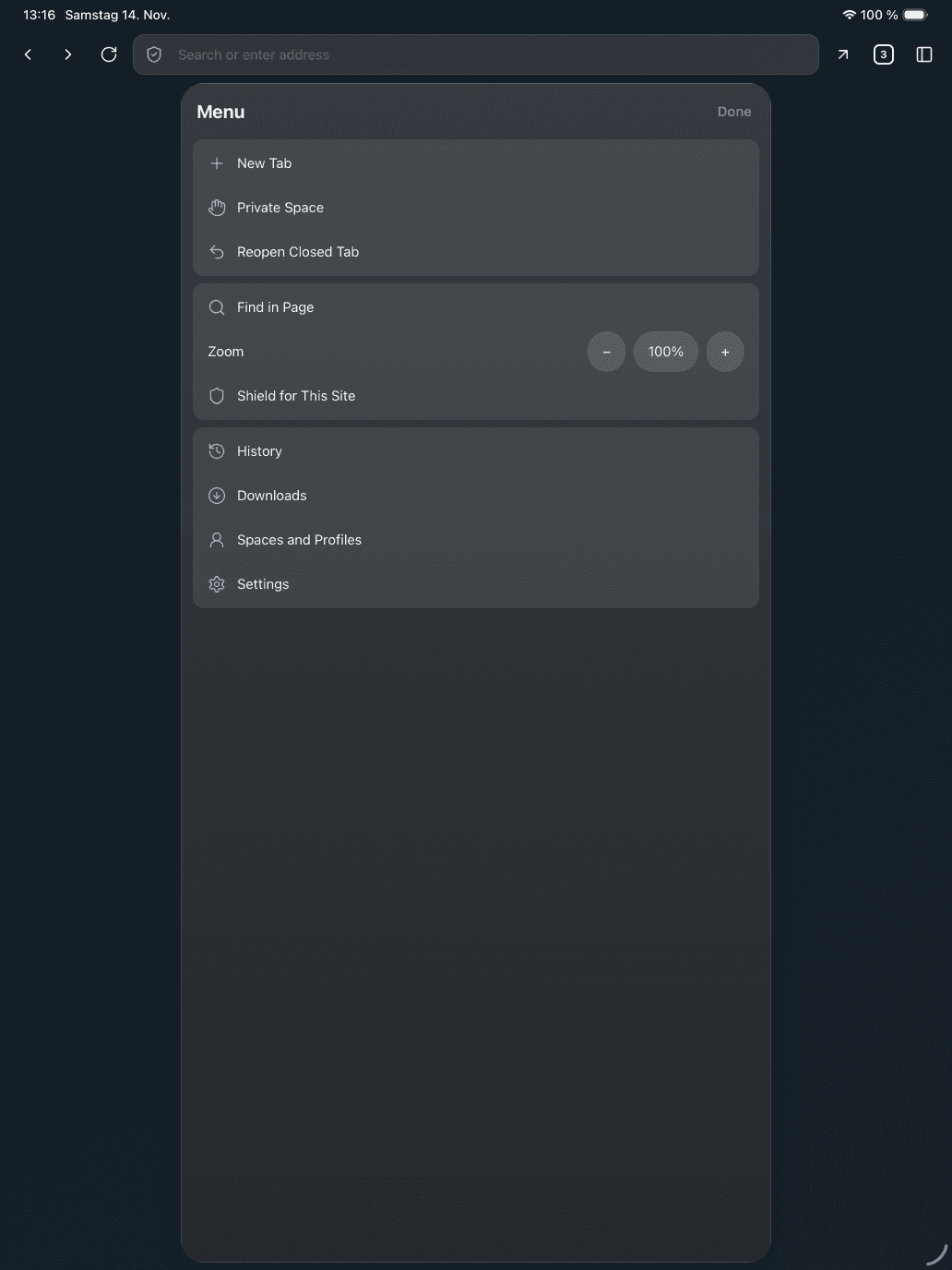
On iPad, a wide top bar replaces the bottom toolbar. 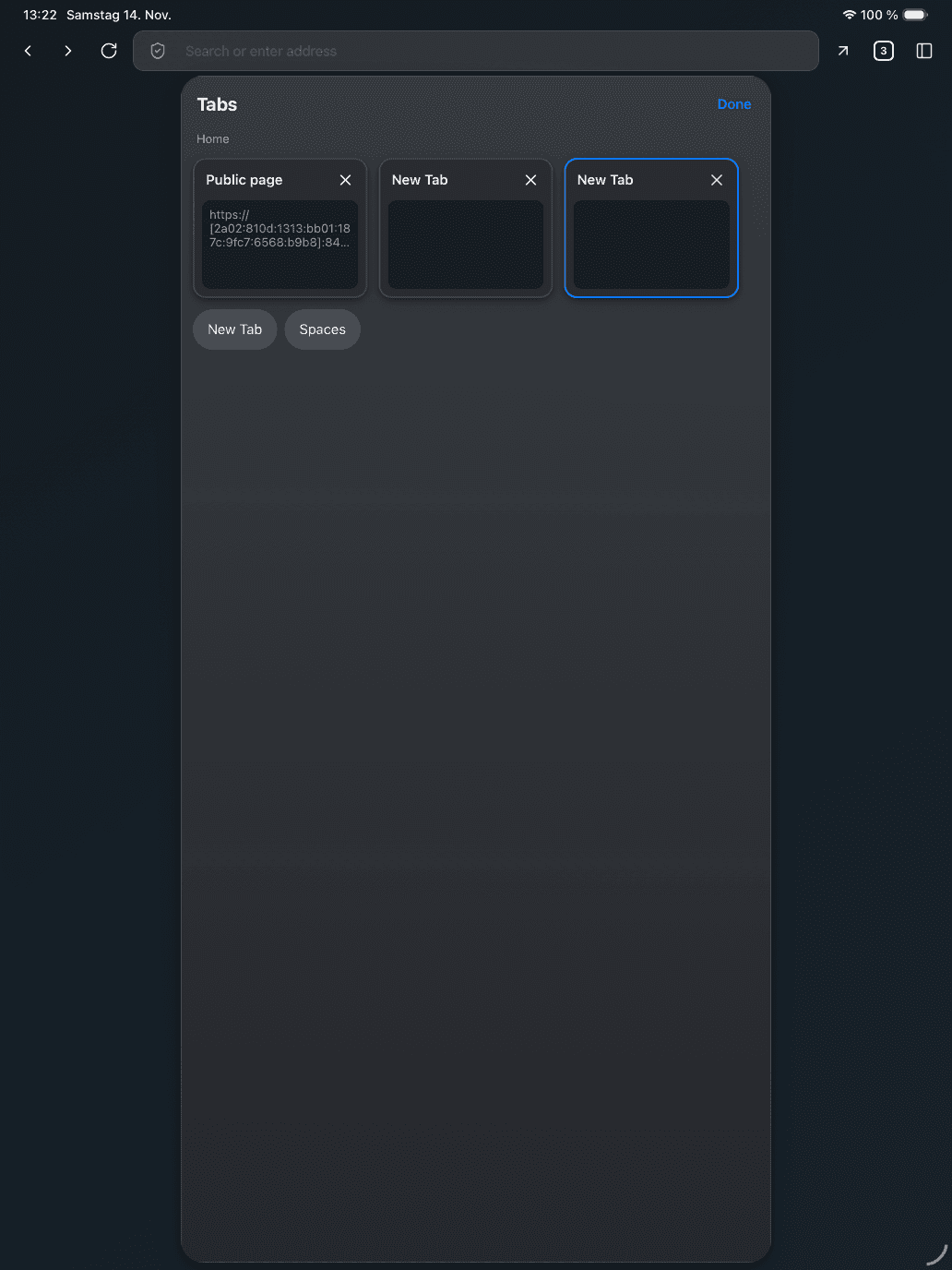
The tab grid on iPad.
How is it built?
The phone and tablet app is one Native Shell app in Rust, shared with Android, over the same browser-core, engine and Shield crates as macOS. Tarn's own web-view component wraps WKWebView and decides navigation policy before WebKit continues; no view loads before Shield's rules have compiled.
How does it differ from macOS?
The features and Shield are the same; the layout is built for touch, and a few iOS limits show.
- Share copies the link, because Native Shell has no share sheet yet
- Find says whether a word is on the page, not how often: WebKit on iOS does not count matches
- A file downloaded in the private space stays in Downloads after the space closes
- No extensions
Can I build or try it?
Yes, with access to the repository and nsh 0.5.0 on your PATH. The result runs in the iOS simulator.
cd mobile && cargo test --locked                      # shell and UI tests on the host
cd mobile/app && nsh package --target ios-simulator   # iOS simulator app
What it does not do yet
- No signed, TestFlight or App Store build yet.
- Never run on a physical iPhone or iPad: only in the simulator.
- VoiceOver has not been run; text inputs carry their label on their container.
- Page zoom has no effect on iPad yet.
- iOS browsers must use WebKit, so there is no Chromium option here.
Questions
Is Tarn in the App Store?
No. The iOS app has no signed or store build yet. It runs in the iOS simulator built from the repository.
Which iOS version does Tarn need?
iOS 17 or later, which separate profiles need.
Which engine does Tarn use on iPhone?
WKWebView, Apple's WebKit view. iOS requires browsers to use WebKit, so Chromium tabs are not offered here.
Does the private space keep data on iPhone?
No website data: it uses a data store that lives in memory, and a cookie set there was found nowhere in the app's container after the space closed. Downloaded files are not website data and stay in Downloads.
Does it work on iPad?
Yes. On iPad and in phone landscape, Tarn uses a wide top bar instead of the bottom toolbar. It was checked in the iPad Pro 13-inch simulator.
Last reviewed
Try Tarn on your Mac
No account to make and nothing sent home. macOS 14 or later; other platforms are in development.